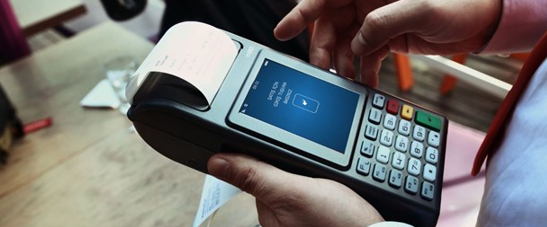
Loading parameters onto a POS is used to transfer changes made in the POS Management system (authorization, limit, card BIN list, etc.) onto the POS.
Loading parameters onto a POS can be done in 3 ways:
- By selecting the Parameter Loading operation from the POS menu
- By working on the POS version and having an automatic parameter load triggered immediately after the end-of-day (batch close) operation
- By selecting the relevant terminal on screen in the authorization system and sending a parameter loading command
The flow for step 3 is as follows:
- The relevant terminal is selected on screen in the authorization system and a parameter loading request is entered.
- The next time the POS comes online to the bank's system, the host relays the parameter loading request information to the POS.
- The necessary updates are made in the bank's system to record that the parameter loading request has been delivered to the POS.
- The POS that received the parameter loading request automatically runs an end-of-day (batch close). (This step is a bank decision. Some banks can trigger parameter loading without requiring an end-of-day first.)
- The POS performs the parameter load.
Common mistakes in parameter loading
An incorrect parameter can disable an authorization or cause a limit to be defined incorrectly. For this reason, it is recommended to test on test devices before moving to production.
Automatic loading after end-of-day does not affect the customer experience, since it runs during hours of low transaction volume. If the load fails, the terminal keeps operating with the old parameters and an alert is generated for the operations team.
Large changes should be rolled out in stages.