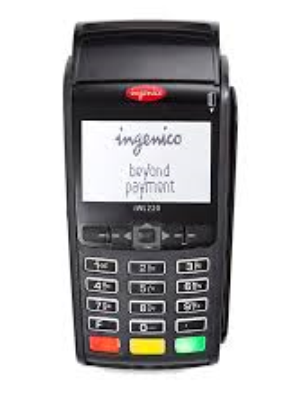
If you have run into this problem and simply cannot start a new transaction on the POS, the reason is that the POS wants to create a reversal record for a transaction it processed earlier, but it is unable to complete that reversal successfully.
There are two ways to resolve this:
- Recommended approach: delete the transaction in question from the POS's Delete Reversal menu. This removes only the reversal, and new transactions can then be processed on the POS.
- Risky approach: delete the relevant batch from the POS's Delete Batch menu. Since this deletes every transaction under that batch on the POS, you need to keep the receipts for the transactions in that batch on hand, in case they are needed as proof later.
Whether a transaction on the POS should be reversed is something the POS software itself must manage. For example, at the bank I worked for, the business rule built into the POS version was as follows:
- If there is a pending reverse on the POS, it is attempted once before any new transaction is tried. If the reverse fails, a new transaction is started from the POS. In the background, the reverse is then retried four more times at set intervals (for example after 30 minutes, 1 hour, 6 hours, and so on) before the process is closed out. Reverse attempts only run if the POS has no connectivity problem; if the POS has a connectivity problem during that interval, the reversal is not attempted.