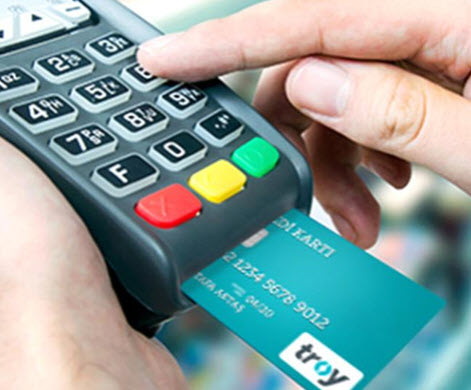
In the world of payment systems, both the issuer (the cardholder's bank) and the acquirer (the POS/ATM bank) must follow certain rules for card transactions made through a POS terminal or an ATM. Responding to transactions within a certain time is one of these rules.
When a card transaction is initiated through a POS terminal, the transaction must be completed and the receipt must be printed from the POS within 20 seconds.
In some cases, due to reasons originating from the POS or the card issuer, the transaction does not receive a response within the expected time. In this case, the transaction falls into timeout at the end of 20 seconds due to the time being exceeded. In short, a timeout is a situation in which a transaction cannot be completed within the expected time for any reason.
Although a timeout is not a situation banks want, it can occur in authorization systems that must be up and running 24/7.
Transactions that time out are generally declined with error code 96 or the TO - Time Out error code.
What can cause a timeout?
- The card issuer's authorization system may be down.
- The POS bank's authorization system may be down.
- If it is a cash withdrawal transaction made at an ATM, the card issuer's banking system may be down.
- The card/POS bank's system may be very slow. The response may have arrived after the transaction's timeout period (e.g., the 21st second).
What can be done to prevent customer dissatisfaction in timeout situations?
For such situations, BKM's stand-in authorization module comes into play. In order for BKM to give authorization in place of the issuer, the card issuer must have notified BKM of the relevant authority and the required parameters. When the issuer bank cannot be reached, BKM can give authorization in place of the issuer bank by taking the issuer's parameters into account.