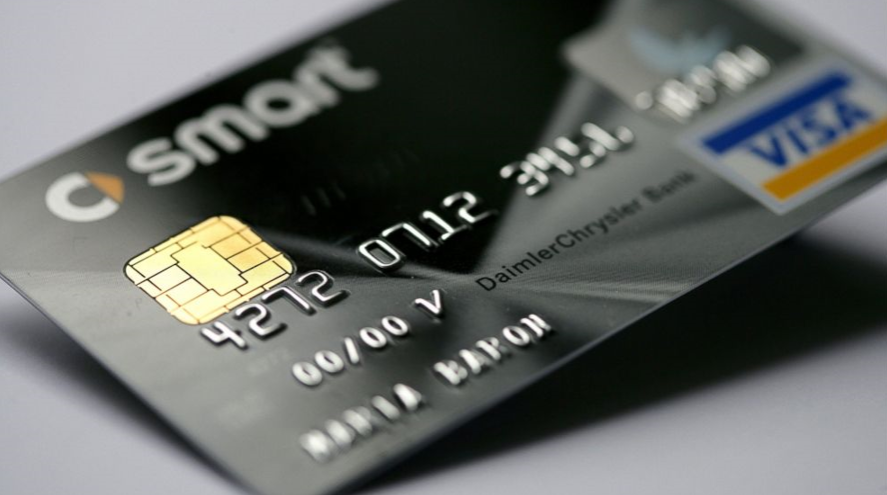
If your card's chip isn't reading, the chip data is likely corrupted, or the POS terminal's chip reader may be faulty.
The chip is usually damaged by magnetic interaction with another card's chip.
First, confirm that the problem is with your card's chip by trying transactions on other POS terminals.
If the problem turns out to be with your card's chip:
- If there's no visible crack or break on the chip, wipe the chip with a cloth dampened with cologne (or alcohol) so it stays slightly moist, reinsert the card into the POS device, and try the transaction again. If the POS still doesn't recognize your card, wipe it gently with your hand and try once more.
- If the step above doesn't resolve it, call your bank's Customer Contact Center and request a Chip/Magnetic Stripe Renewal for your card.
Note: If you renew your card via Chip/Magnetic Stripe Renewal, you can keep using your old card until the new one arrives (for example, for e-commerce transactions).
Contacting your bank about a chip malfunction
If the chip isn't reading, repeating the attempt too many times can get the card blocked. Check whether the card has been physically damaged, and avoid using cards that are bent or scratched.
If the problem persists, requesting a new card from your bank is the safest route. Some terminals fall back to the magnetic stripe when the chip can't be read; however, these "fallback" transactions are risky and are declined by many banks.
Until the new card arrives, you may be able to pay using contactless or a mobile wallet.