PAM (Personal Assurance Message) is a message that the user sets up for 3D Secure transactions, which appears on the password screen displayed during checkout and lets the user be sure that the screen genuinely comes from the relevant bank.
If the user has not previously set a Personal Assurance Message, this field appears empty on the password entry screen. In this case, some banks instead display the user's mobile phone number in masked form.
No systemic check is performed on the personal assurance message. It simply allows the cardholder to visually verify that the screen is a secure one.
Protection against phishing attacks
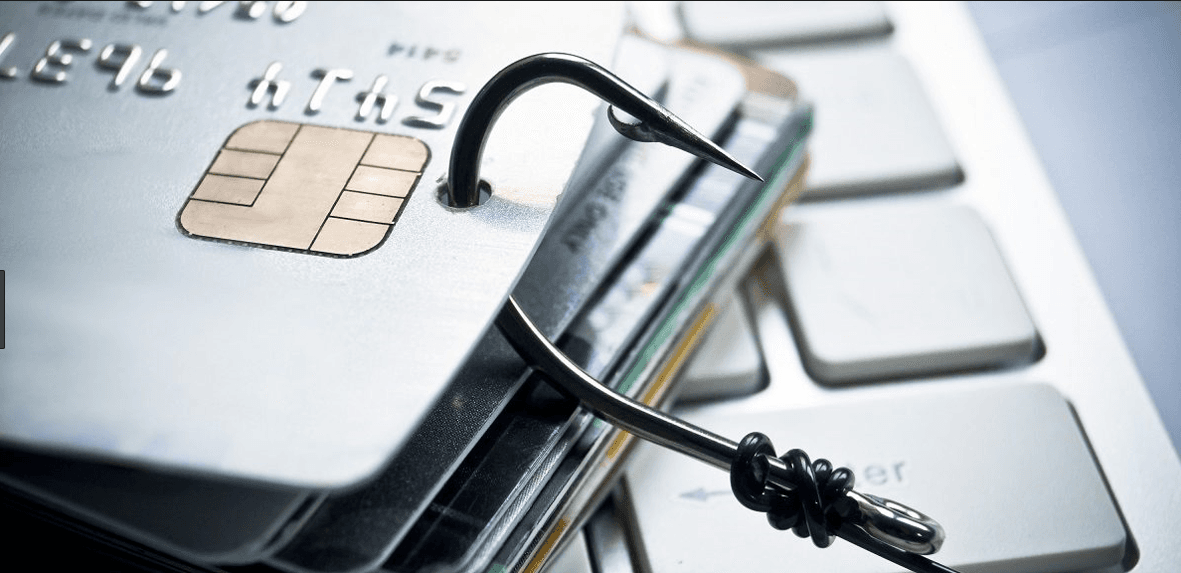
PAM is a security measure developed specifically against phishing attacks. A fake payment page can imitate the bank's verification screen. However, the fake page cannot know the personal message that the cardholder previously set with their bank. If the cardholder does not see their own message on the verification screen, they should suspect that the page may be fake.
Current usage
In newer versions of 3D Secure systems, verification is often carried out through a push notification or biometric authentication via the bank's mobile application. As a result, the use of PAM has declined at some banks. Some banks instead display information such as a masked phone number or the cardholder's name in place of the personal message.
Recommendations for cardholders
- If you do not see the information you expect on the verification screen, do not complete the transaction.
- Only use the one-time password for transactions you have made yourself; never share it with anyone who requests it by phone or message.
- Compare the merchant name and amount shown in the password SMS with the transaction you intend to make.