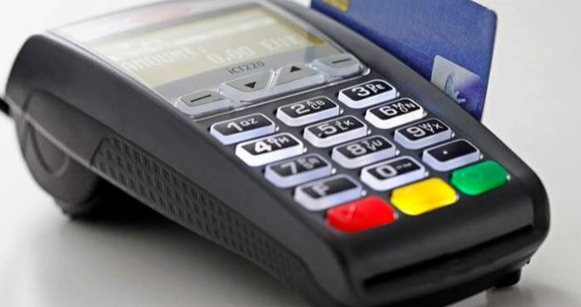
Parameter loading is the process of transferring the definitions made for a given POS (usually via GMS) in the application that manages POS terminals onto the POS itself.
For a POS device to function, certain key values must be present on the device.
For example:
- Debit BIN list
- On-us BIN list
- Key information
- Authorizations (refund authority (yes/no), cancellation authority (yes/no), etc.) -- this kind of information is held on the POS device, and the POS operates accordingly.
For example, if a bank issues a card under a new BIN, that BIN is communicated to all banks by BKM (the Interbank Card Center). The definitions for that BIN are then entered into the POS parameter system (usually GMS). For the POS to recognize the new BIN and route it correctly, parameters have to be loaded onto the POS.
How is parameter loading done on a POS?
- By entering the 'Parameter Loading' menu from the POS menu
- By selecting the relevant terminal number in the bank's system and sending a parameter-loading command to the POS (assuming the bank's infrastructure supports this)
- By building this into the POS software so that it automatically loads parameters after the end-of-day batch.
Can parameter loading onto a POS only be triggered from the POS device itself?
No. In addition to being triggered from the menus on the POS device, parameter loading can also be initiated by sending a remote parameter-loading request, or by writing the necessary logic into the software running on the POS.
Is parameter loading performed on virtual POS terminals?
There is no parameter loading for virtual POS terminals.