Skip to content

Search

"Digital POS"

70 articles found

Diagram illustrating the card authorization process

Merchant & POS

What Happens During Authorization?

Today, credit cards play an important role in our daily lives. We can carry out almost all of our transactions without carrying cash, using our credit card instead. During a purchase, we hand our card to the cashier and enter our PIN at the POS terminal.
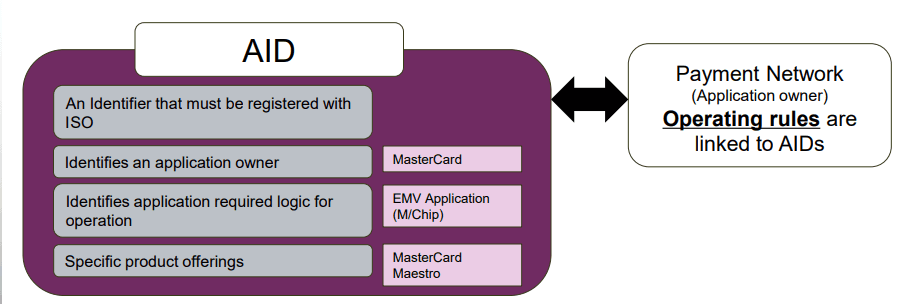
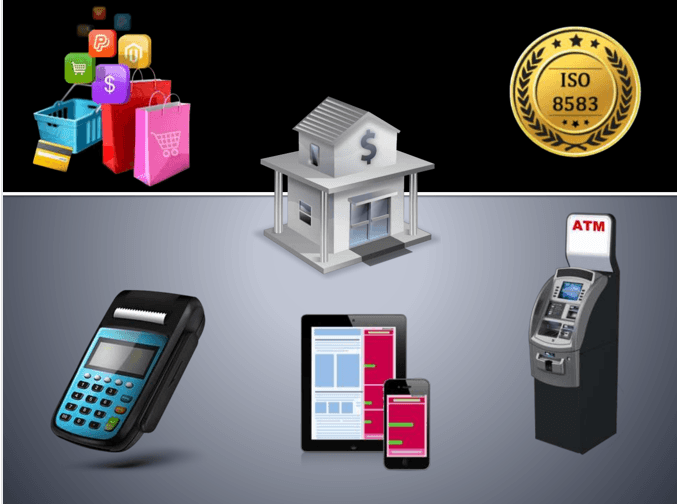
Illustration showing how an Application Identifier (AID) is used in a chip card transaction

EMV

What is an Application Identifier (AID)?

The AID tells the terminal which applications are present on a chip during a POS or ATM transaction. What does the AID do? It lets the terminal determine whether it supports an application on the chip. In Tag 9F06, it is 5-16 digits long.

ISO 8583 field 19 acquiring institution country code

ISO 8583

ISO 8583 Field Descriptions (F19)

F19 — Acquiring Institution Country Code: the country to which the location of the acquiring bank's device (ATM, POS, etc.) belongs.

Example of a POS transaction receipt (slip)

Merchant & POS

Don't Dismiss the POS Receipt

In daily credit card purchases, the POS produces two receipts: the Customer Copy and the Merchant Copy. The cardholder gets the customer copy; the merchant keeps its own copy by law.

Diagram illustrating how a POS device identifies foreign bank cards using BIN lists

Merchant & POS

How Does a POS Device Detect Foreign Cards?

A POS is a functional device with its own dedicated software, customized according to the authorization system of the bank it is connected to, that accepts credit or debit cards. So, banks abroad launch dozens of new card products every day…

Illustration representing Merchant Category Code classification for card transactions

Merchant & POS

What Does a Restricted/Prohibited MCC Mean?

The MCC code, or Merchant Category Code, is a 4-digit code used to classify merchants. Some MCC codes are restricted or prohibited, and POS terminals or card transactions may be blocked when such a code is used.

Example of RRN printed on a POS receipt used to trace ISO 8583 transactions

ISO 8583

ISO 8583 Field Descriptions (F37)

F37 - RETRIEVAL REFERENCE NUMBER: a 12-digit alphanumeric value generated by the Acquirer that initiates the transaction. It must be printed on the POS receipt or ATM slip. RRN is the reference number that allows a transaction to be located.

Credit card and smartphone illustrating online card payments without physically presenting the card

Credit Card

Do I have to use my physical card when shopping?

In the early years of credit cards, using the card physically was mandatory. With the internet and new technologies, we can now pay with only the card details, 3D Secure and contactless NFC payments, even without the card in hand.

Diagram of a partial authorization where an issuer approves only part of the requested amount

Merchant & POS

What Are the Partial Authorization Requirements for an Acquirer Bank?

Partial authorization lets an issuer approve part of the requested amount when the card lacks the full balance, with the rest paid another way. This post covers the technical, receipt, clearing, reconciliation, merchant and certification requirements for acquirers.

Contactless payment wave symbol printed on a bank card

Contactless

Does My Card Support Contactless Payments?

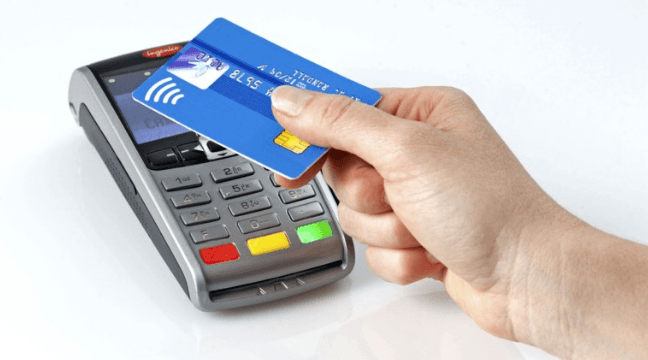
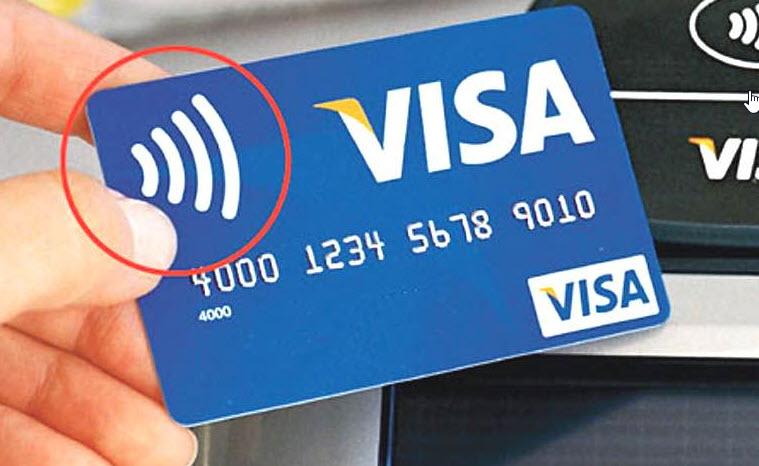
You can tell whether a card supports contactless payments by the four wave symbols printed on it. If the wave symbol is present, your card supports contactless transactions. If not, contact your bank for a new card.

Diagram of ISO 8583 Field 3 Processing Code structure

ISO 8583

ISO 8583 Field Descriptions (F3)

Field 3, Processing Code, is the field that shows what type of transaction is being performed and is critical for authorization. A Sale from POS differs from a Cash Withdrawal at an ATM.