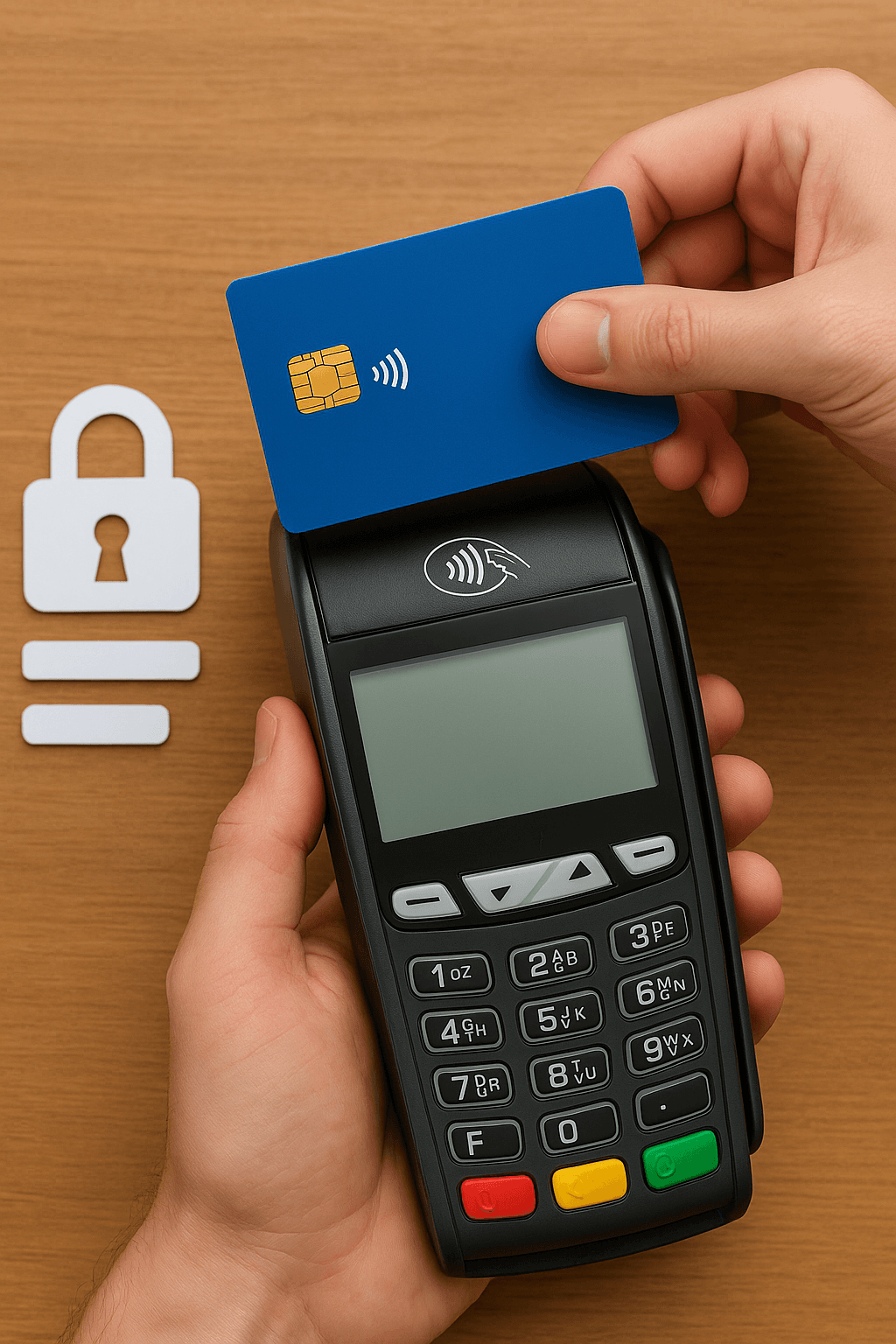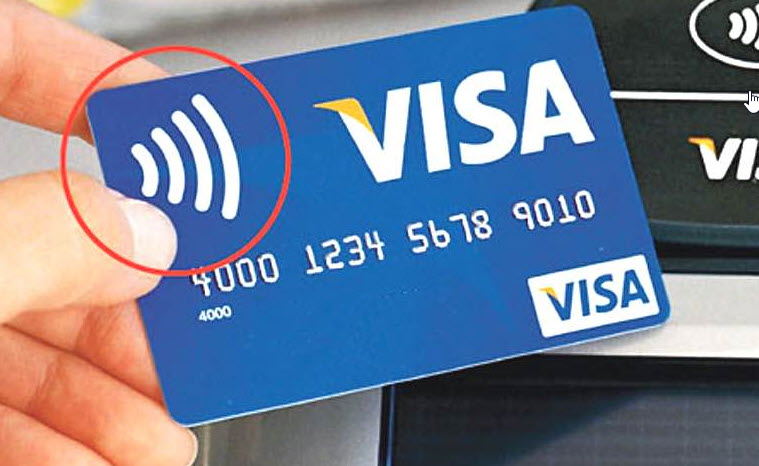
You can tell whether a card supports contactless transactions by looking for the four wave symbols printed on it. If the wave symbol is present, your card supports contactless transactions.
If this symbol is not on your card, you can contact your bank and request a new card that supports contactless transactions.
The symbol on the terminal side
Just as on the card, POS terminals and payment points that support contactless transactions carry the same wave symbol. Even if your card supports contactless payments, if this symbol is not on the POS terminal you are using, you need to complete the payment by inserting the card.
Checking through the mobile app
Most banks let you view your card's features through their mobile app or internet banking. Some banks also let the cardholder turn the contactless feature on or off. If you cannot make contactless payments, it is worth checking whether the feature has been turned off through the app.
Contactless payment with a phone or smartwatch
Even if your card does not physically support contactless payments, if your bank supports it you can make contactless payments by adding your card to the digital wallet on your phone or to your bank's mobile app. In that case, a phone or smartwatch is held near the POS terminal instead of the card.
Security in contactless transactions
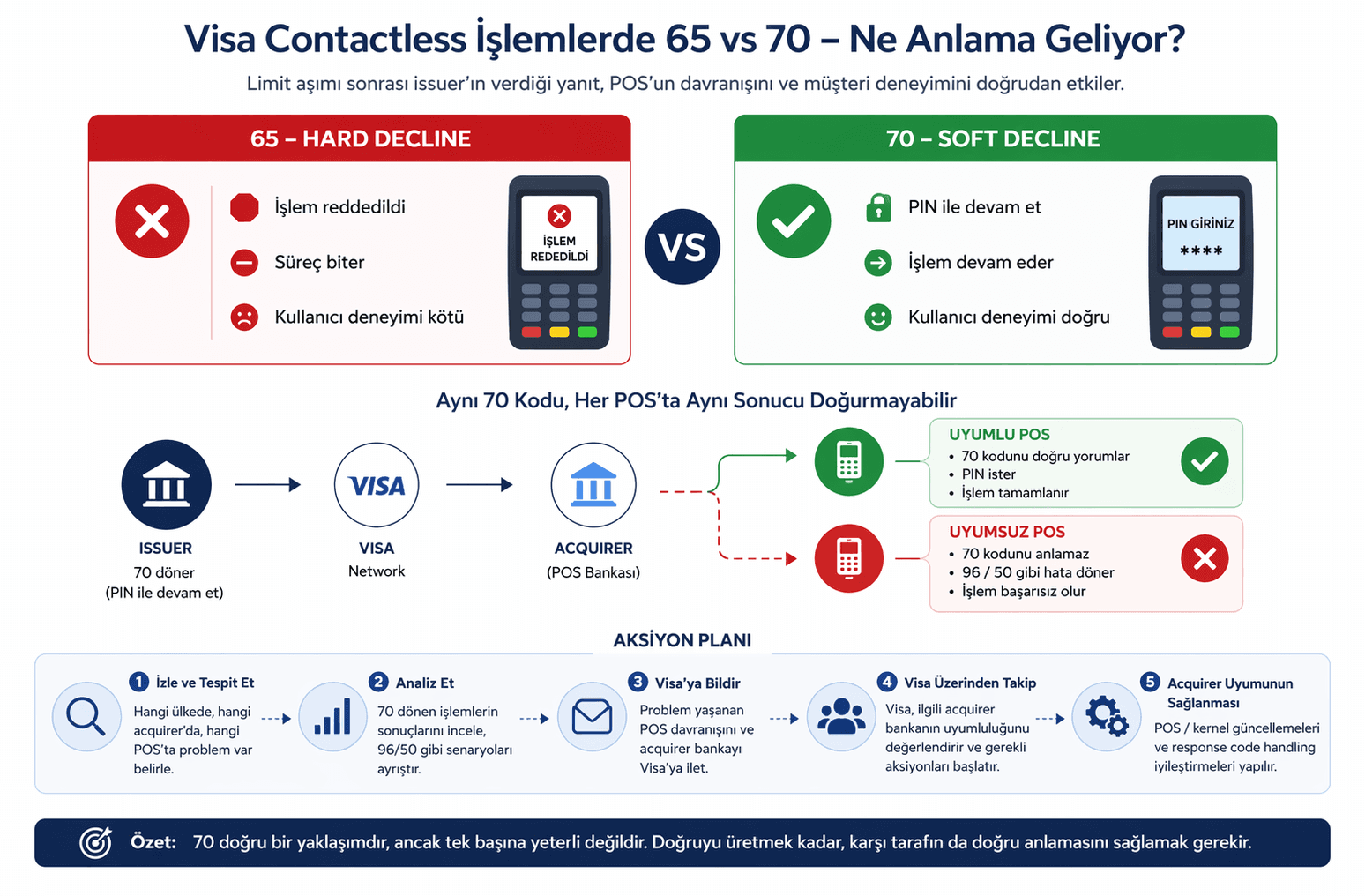
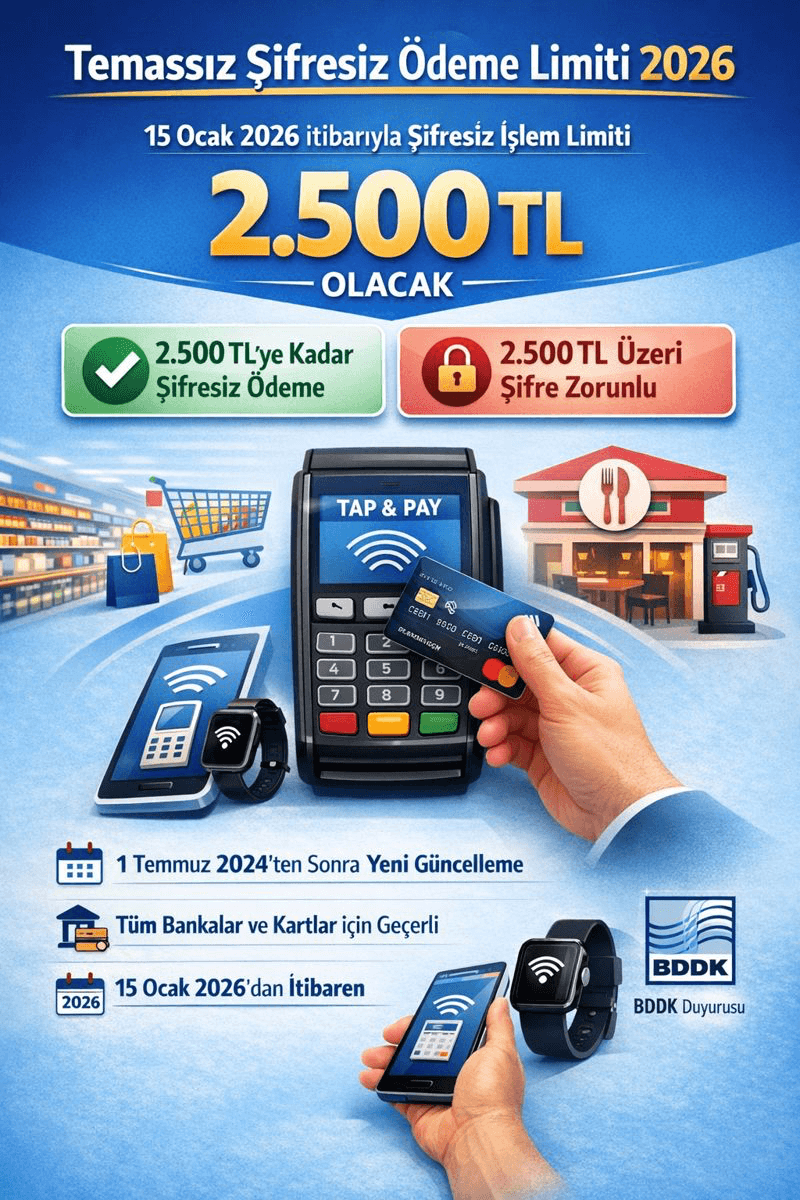
For a contactless transaction, the card needs to be held a few centimeters from the POS terminal. For contactless transactions above a certain amount, a PIN is required for extra security. If you lose your card or it is stolen, it is important to have it blocked without delay to prevent contactless transactions from being misused.