Skip to content

Search

"batch upload"

6 articles found

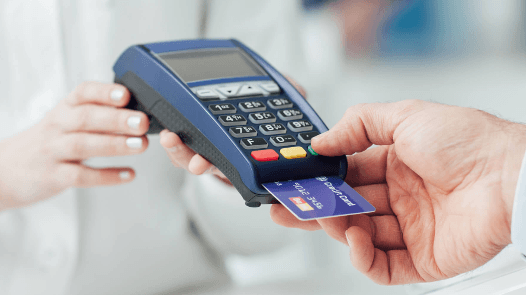
Diagram illustrating the POS batch upload reconciliation process

Merchant & POS

What is Batch Upload?

When a transaction is made through a POS, it is recorded both on the POS itself and in the acquiring bank's authorization system. At batch close, the POS sends all its transactions to the bank, which reconciles them against its own records.

Illustration of a POS end-of-day batch upload process

Merchant & POS

What Does It Mean When a POS End-of-Day Falls Into Batch Upload?

Merchants can run the end-of-day process by triggering it from the POS device or app for transactions made there. Banks can also run it centrally on merchants' behalf. The end-of-day process sends the POS's transaction totals to the bank's host system.

Illustration representing a POS batch number counter

Merchant & POS

What Is a Batch Number?

The batch number is kept on the POS, incremented by 1 at each end of day, used to transfer transactions to the merchant account and for reconciliation. It's tracked on both the POS and the bank's system.

POS terminal software version update process diagram

Merchant & POS

How is a software version uploaded to a POS terminal?

To upload a version to a POS, the software on the POS and the authorization system on the bank side must support it. Version upload to a POS can be done manually on the device itself, or via a remote upload request.