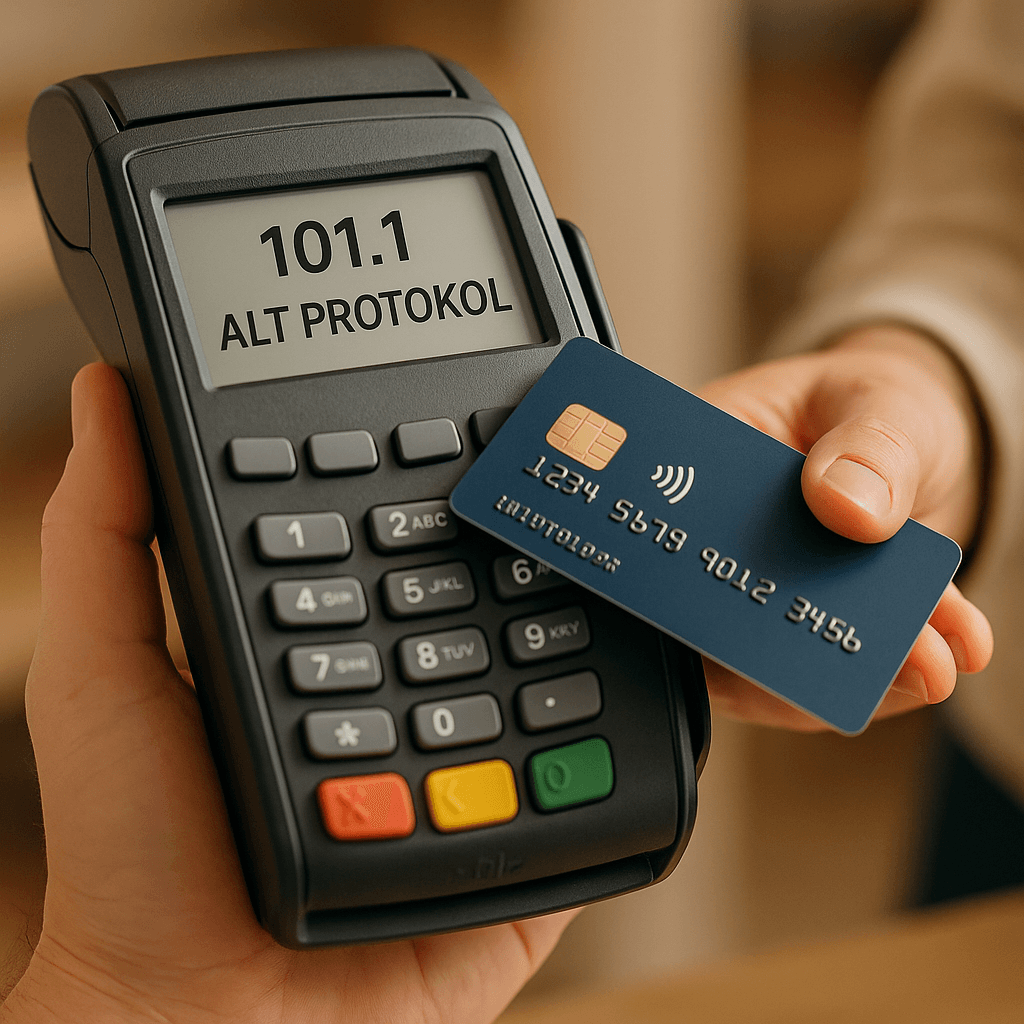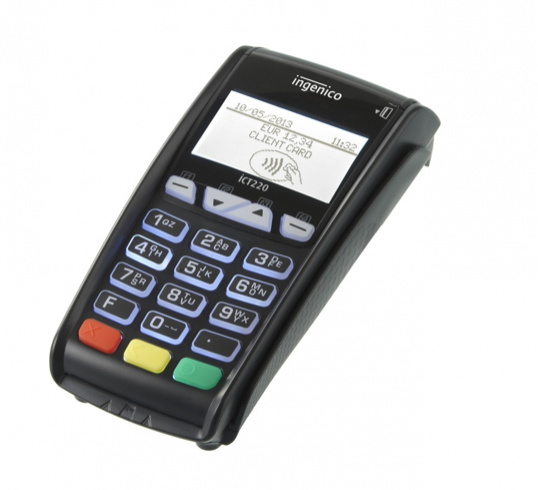
In order to upload a version to a POS, the software on the POS and the authorization system on the bank's side must support this.
Version upload to a POS can be done manually on the device itself. It can also be done via a remote upload request.
Taking remote version upload requests into account, the POS version upload flow below is described:
- POS information is retrieved from the bank system according to the relevant criteria, and a version upload request is entered for these POS terminals.
- When the end-of-day (batch close) is taken manually on the POS, or when the POS performs an automatic batch close, the authorization system sends the POS information that a version upload will be performed.
- The POS that receives this request reads the version file waiting to be uploaded under the previously defined link and installs the relevant version.
- For transactions where the version upload is successful, updates are made in the authorization system to indicate that it was uploaded successfully.
- After the version upload, the POS performs a parameter upload and takes on the most up-to-date parameter values.
How is version upload risk managed?
The new version is not uploaded to all POS terminals at the same time; it is first tried on a small pilot group. If there is no issue, it is rolled out gradually. This way, a possible error does not affect a large population.
If the connection is lost during the upload, the device must be able to roll back to the previous version. After the upload, basic transaction tests (sale, cancellation (void), refund, batch close) must be performed automatically or manually.
The version history and which version is on which POS terminal must be kept in an inventory.