BKM has made changes to the domestic transaction flows for transactions above and below the CVM limit.
Details of the changes for below-CVM-limit transactions can be found in our earlier article below.
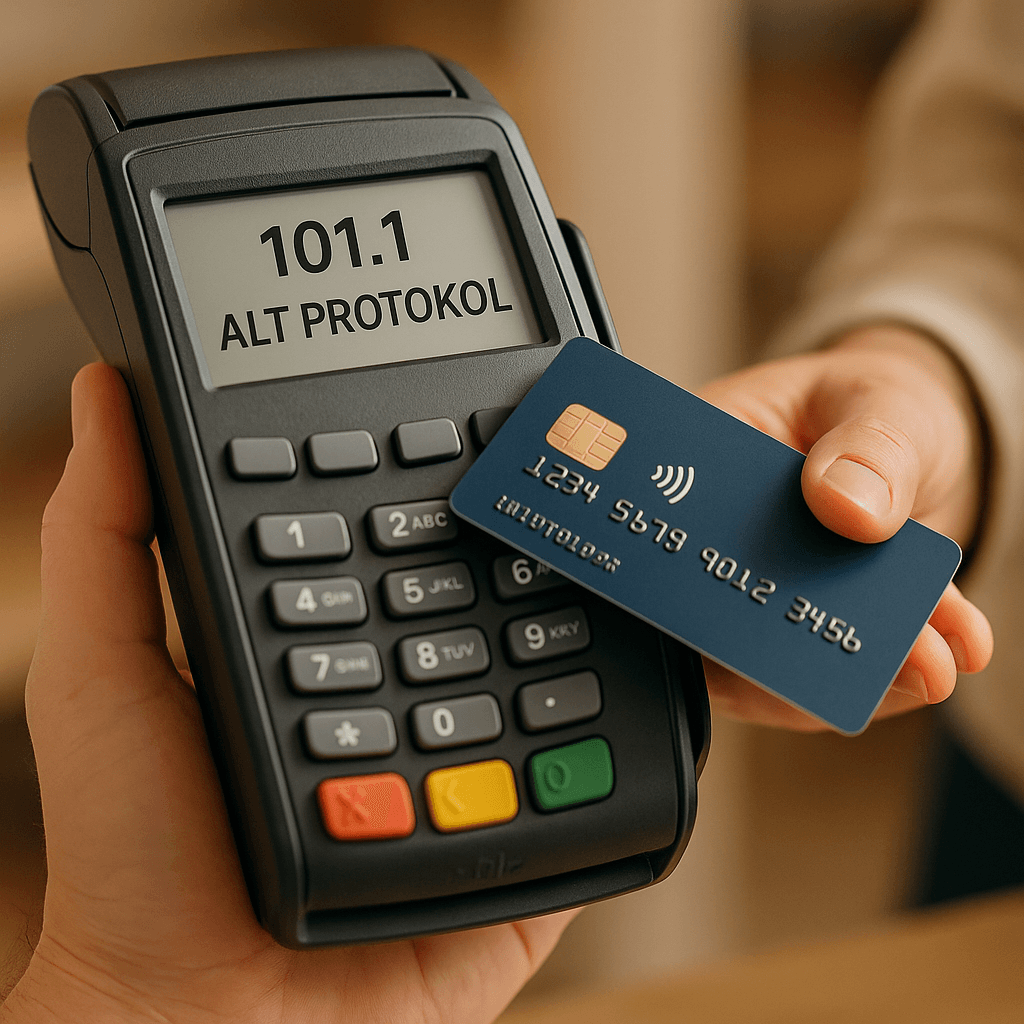
As with below-CVM-limit transactions, the flow has also been changed for above-CVM-limit transactions. While no cardholder verification is performed for contactless transactions below the CVM limit, the cardholder must be verified for transactions above the CVM limit. This verification is performed by the POS device asking the cardholder for a PIN during the contactless transaction.
If there is no condition requiring the transaction to be declined (for example, the card not having been blocked as lost/stolen) and the PIN entered is correct, the transaction is approved by the issuer bank. If the PIN entered is incorrect, the issuer bank returns the value DE39 = 55 in the ISO8583 response message. In this case, the POS device informs the customer that the PIN was entered incorrectly, and the transaction is terminated.
With the new flow, in this situation the customer can be asked to re-enter the PIN without terminating the transaction. As a result, the issuer bank’s options for the transaction increase from two to three:
- Approve (Existing)
- Decline (Existing)
- Ask the cardholder to re-enter the PIN (New)
Asking the Cardholder to Re-enter the PIN
Because the transaction is above the CVM limit, a PIN must be entered after the card is presented to the contactless reader. For this reason, field DE52 will be populated in the ISO8583 message. In addition, the acquirer bank sends the value DE48 PDS22 SE2 = 1 in the authorization message. This value indicates to the issuer bank that “In line with the new flow, if the PIN is entered incorrectly, the cardholder can re-enter the PIN without the transaction being interrupted.”
In the scenario, the issuer bank determines that the PIN is incorrect. If it wants the customer to be asked to re-enter the PIN without terminating the transaction, it returns the values DE48 PDS22 SE4 = 1 and DE39 = 55 in the authorization response message.
Based on the DE48 PDS22 SE4 = 1 and DE39 = 55 information received in the previous step, the acquirer bank asks the customer, through the POS device, to re-enter the PIN. With the new PIN received from the customer, the acquirer bank resends the message to the issuer bank, this time also adding the fields DE48 PDS22 SE2 = 1 and DE48 PDS22 SE3 = 1 to the authorization message.
Assuming the PIN is entered correctly this time, the issuer bank performs the necessary checks and then approves or declines the transaction.
Transaction Declined Due to a PIN Error
For above-CVM-limit transactions, if the acquirer bank supports PIN re-prompting, it sends the value DE48 PDS22 SE2 = 1 to the issuer bank in the authorization message. If the PIN entered is incorrect and the issuer bank does not want the PIN to be requested again, it returns the value DE39 = 55 in the response message. When the POS device receives this response, it shows the customer a message stating that the PIN was entered incorrectly and terminates the transaction. In this case, the issuer bank must not send the DE48 PDS22 SE4 field in the response message.