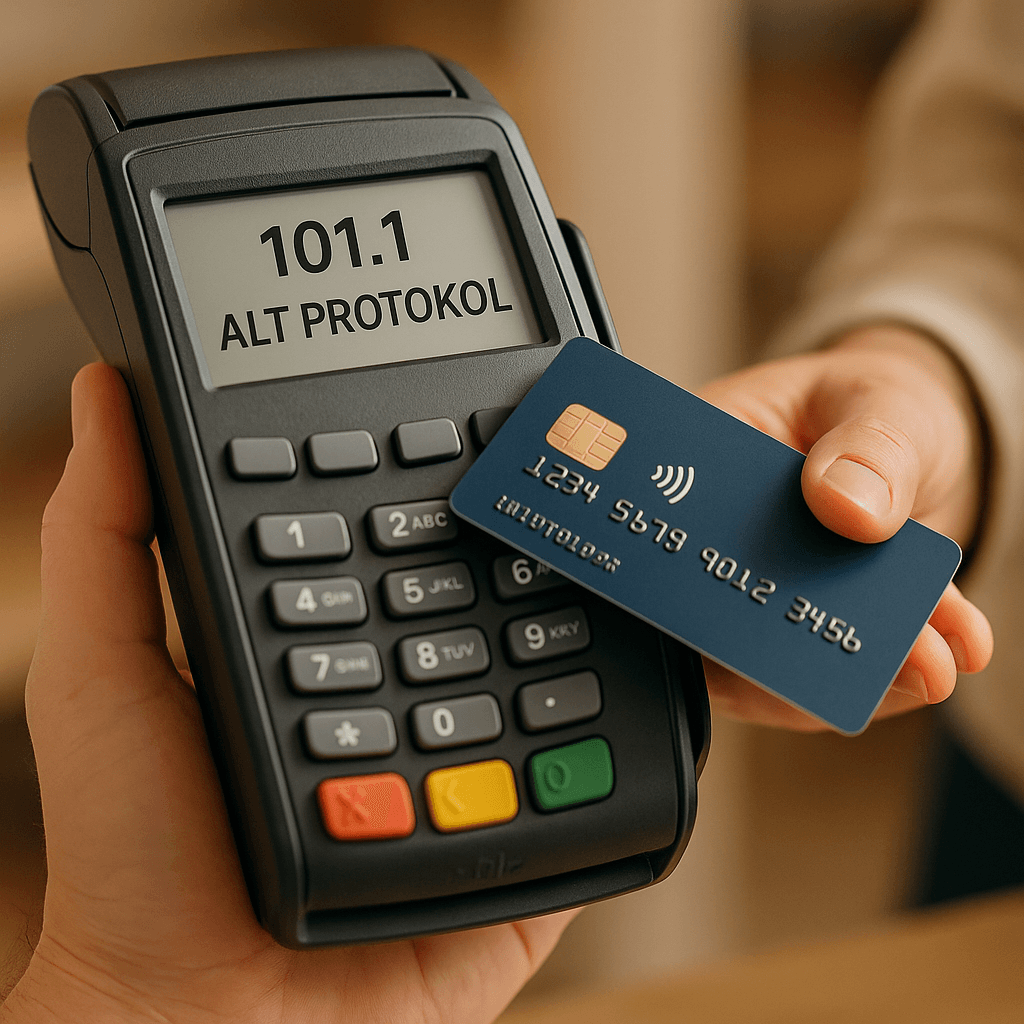
The limit that governs the maximum amount for which an offline transaction can be made on a POS terminal is called the Floor Limit.
POS parameter management programs (usually GMS is used) maintain 3 parameters for floor limit management:
- The 'Use Terminal Merchant Limit' parameter (terminal-based)
- Floor Limit Value (terminal-based)
- Chip Data Floor Limit Value (general)
All 3 values are kept on the POS terminal. This information is transferred from GMS to the POS via parameter loading.
If a change has been made to the terminal-based values among the parameters above, it is sufficient to load parameters only for that terminal.
If a change has been made to the general chip data value among the parameters above, parameters must be loaded for all terminals in the system.
Assuming the POS has taken on the above values via parameter loading, when a transaction is made on the POS;
- The POS device checks whether the 'Use Terminal Merchant Limit' parameter on it is selected.
- If it is selected, the Floor Limit Value is checked.
- If the transaction amount is below the Floor Limit value, the transaction is approved offline.
- If the transaction amount is above the Floor Limit value, the transaction is not approved offline; it is approved online.
- If it is not selected, the Chip Data Floor Limit Value is checked.
- If the transaction amount is below the Floor Limit value, the transaction is approved offline.
- If the transaction amount is above the Floor Limit value, the transaction is not approved offline; it is approved online.
- If it is selected, the Floor Limit Value is checked.