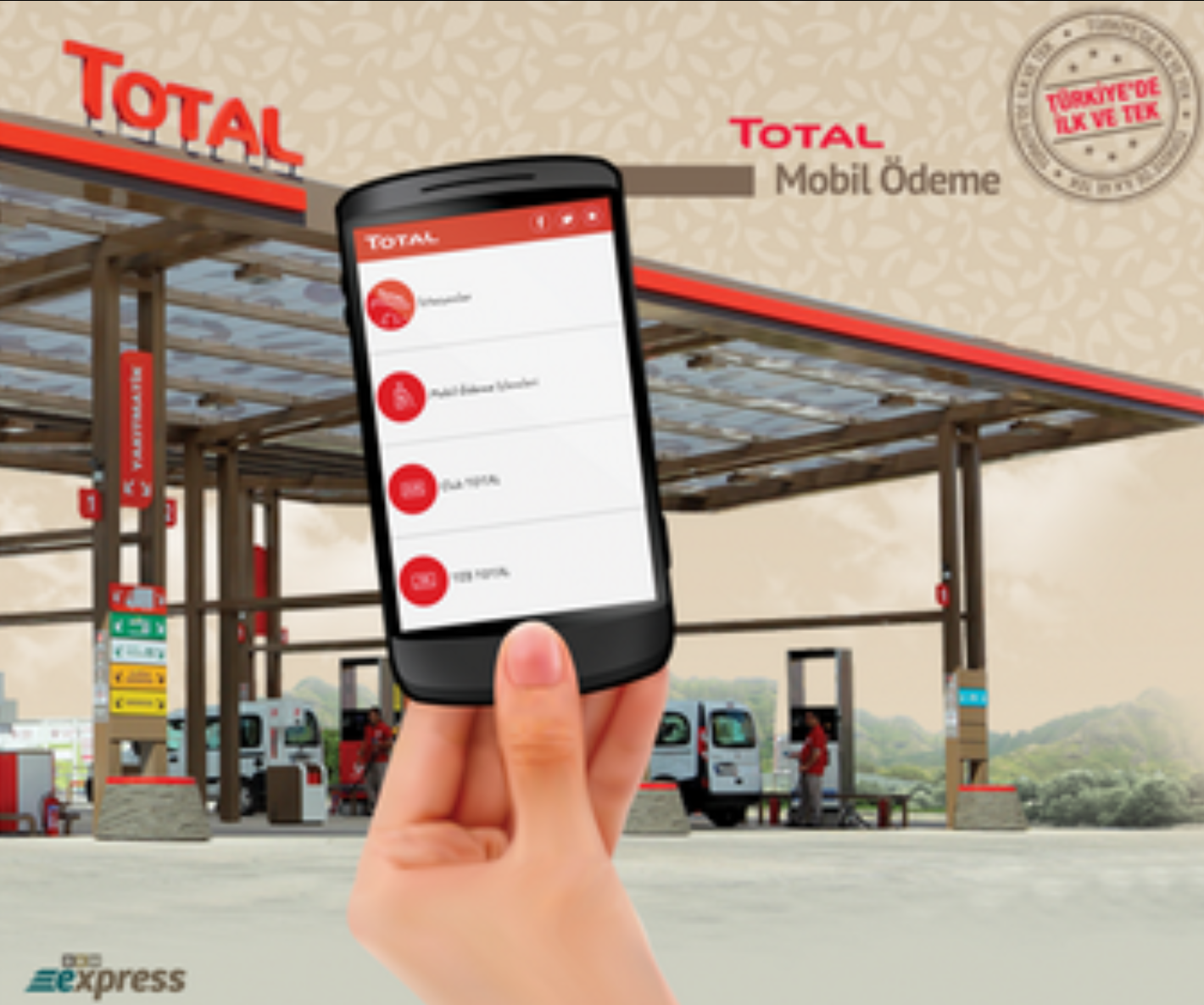
It is an undeniable fact that mobile phones are entering our lives more every day. So much so that one study found people are more likely to forget their wallets than their mobile phones. Given this, it no longer surprises us to see that transactions we could not do on mobile devices in everyday life are becoming possible on them day by day.
Today's topic is buying fuel with mobile payment without getting out of the car.
I will talk about TOTAL Mobile Payment, which I have experienced many times and enjoy using.
How does TOTAL Mobile Payment work?
First, the Total mobile app is installed on a smartphone. After installation, the user registers with personal details. It is important that the mobile phone number is in the system.
The license plate of the vehicle in use is defined in the app. Up to 3 license plates can be defined.
- Before you start fueling, you need to tell the pump attendant that you will pay with mobile payment.
- The pump attendant enters the vehicle's license plate into the system. The location of the pump dispensing the fuel is defined in the system.
- Once the license plate has been entered and fueling is complete, the system checks whether a Total app is registered for that plate.
- If a Total app exists, the current location of the phone on which the app is installed is determined.
- The distance between the pump's location and the phone's current location is checked.
- If the distance is within the range defined for the transaction, the system checks whether the user's app is currently in active use.
- If the user's app is not open, a notification is sent to the customer saying that payment can be made with the “Mobile Payment” option.
- If the user's app is open, the user starts the payment by tapping the ‘Mobile Payment Transactions’ menu.
- To pay, the user must be registered with BKM Express.
- The payment flow redirects the user to the BKM Express payment method.
- The user logs in to BKM Express with a user code and password and lists the cards that can be used for payment.
- The payment is completed by selecting the card to pay with from the listed cards. This way, the customer buys fuel and pays without getting out of the car, easily, quickly and securely.
What are the advantages of this system?
- It lets you pay without having a card with you.
- Especially if you have a child in the car and cannot leave them alone, if you have a disability, or if you are refueling in cold weather, you can pay from your seat without any discomfort.
- By paying with BKM Express, you can pay securely without running into problems such as card details being copied or stolen.
- You can track your past payment details and analyze your periodic fuel consumption.
So, can I use the points on my card when buying fuel with mobile payment?
No. Points on the card cannot be used with mobile payment.
Is a mobile payment transaction treated differently from a transaction made physically at a POS?
Broadly speaking, mobile payment transactions and transactions made by physically presenting the card are the same. However, fuel campaign terms sometimes state that the card must be used at a physical POS. For this reason, mobile transactions may not be counted as eligible transactions under the campaign. This happened to me once, and I did not earn the points I should have earned under the campaign. Therefore, I recommend reading the campaign terms at the bottom of fuel campaigns in detail.