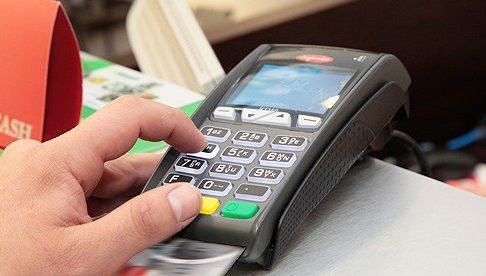
A Shared POS is a POS solution that allows the credit card applications of multiple banks, such as installments and loyalty points, to run on a single POS device.
A Shared POS automatically recognizes the cards of the banks whose applications are loaded on it, and processes the transaction through the bank the card belongs to.
For transactions made with cards from banks that do not have an application on the Shared POS, the merchant can decide, for each transaction, which bank's POS application will process it. Alternatively, a priority bank can be configured as explained by the technical service company that performs the POS installation, so that transactions can be processed without being asked each time.
All transactions that can be performed on single-bank POS devices can likewise be performed without issue on Shared POS devices. When a bank moves to the shared POS application, the workflow of the POS applications does not change. New banks can be added to a Shared POS, or banks already included in a Shared POS can be removed from the shared POS application.
Because the Shared POS solution allows the POS devices of multiple banks to run on a single device, it saves time and space for merchants who use POS devices from several banks. This means you need to set aside less space in your business for POS devices, and you avoid the clutter of cables and multiple devices.
Does the POS menu change when switching to a Shared POS?
When switching to a Shared POS, the POS menus are exactly the same as the single-bank POS menus. There is no change to the manuals.
Do the terms of service change when switching to a Shared POS?
Switching to a Shared POS does not change the terms of your agreement with the banks.
Does a Shared POS come with any additional cost?
A Shared POS does not add any extra cost for merchants.
In case of a malfunction, which bank should be contacted?
In case of a malfunction, service can be requested by calling any of the banks included in the Shared POS.
Can the number of banks included in a Shared POS be changed?
New banks can be added to a Shared POS, or the POS application of any of the existing banks in the Shared POS can be removed.
What are the advantages of a Shared POS?
- It prevents the problem of finding space for POS devices at checkout counters and avoids POS device clutter.
- It prevents cables and PIN-entry devices from getting tangled or mixed up.
- A single power outlet and phone/IP line is sufficient.
- It is no different from a single-bank POS and involves no additional cost.