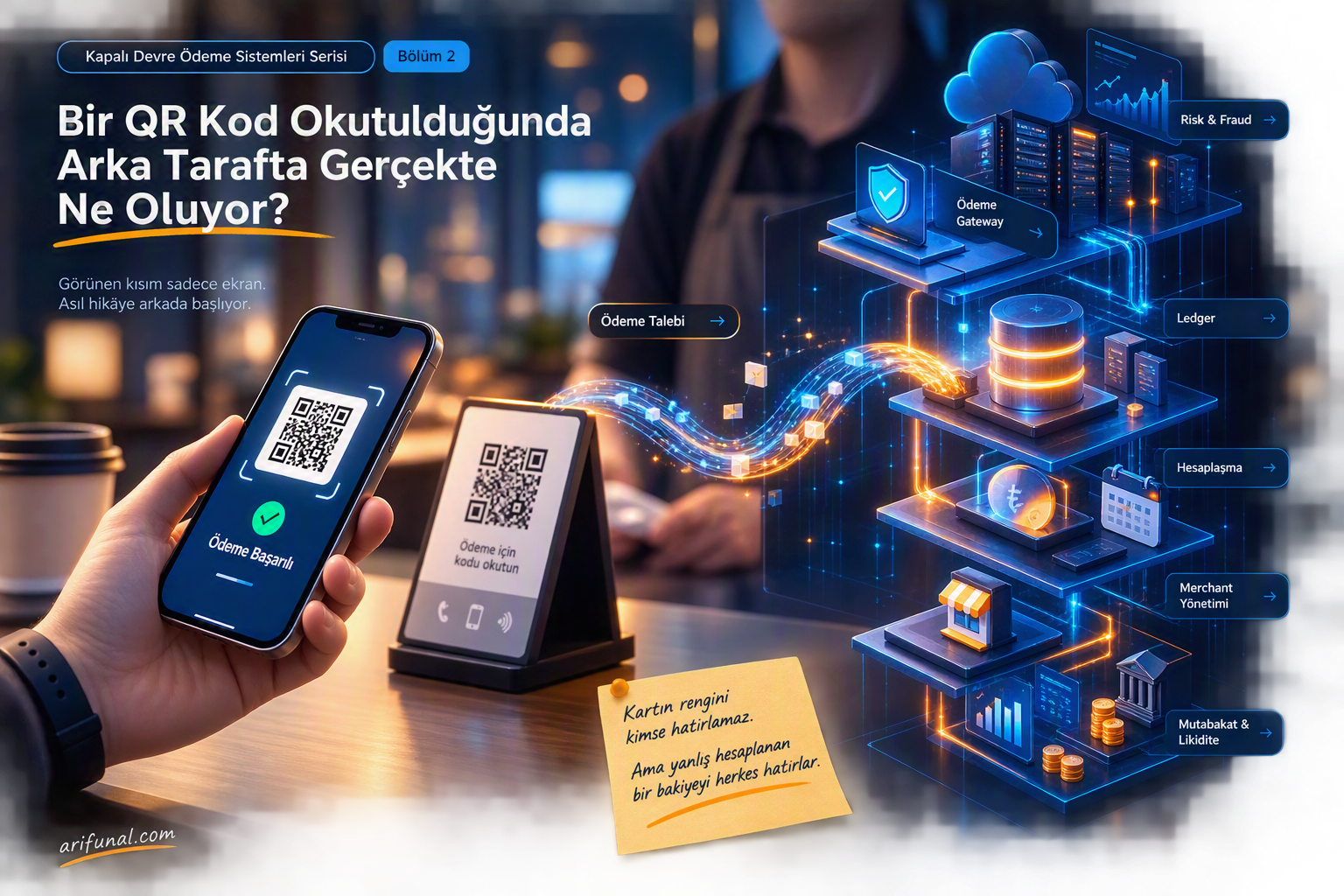
QR Code is a two-dimensional barcode system developed by Denso Wave, a Toyota subsidiary operating in Japan. Its name comes from the initials of "Quick Response" in English. Its content can be any type of data, including text, a website address, or a video link. With the help of a QR Code reader application, a mobile phone can easily scan a QR Code and open the related product or service page.
Using it is quite simple. With a smartphone that has a camera and an app that helps read barcodes, you can scan any QR code. Moreover, you do not pay any fee for this.
QR Code is limitless. Within a limited area, a QR code can carry unlimited information, messages, video, and any kind of content. From a magazine ad, a billboard, inside a store, or a product's promotional video on TV, to a user manual, every detail about a product can be reached simply by scanning the code.
With your smartphone, you can make all kinds of payments through QR Code without needing a wallet.
Scanning any QR code with an app that has QR Code reading capability is quite simple. All you need to do is point the phone or tablet's camera at the code. The app will automatically recognize the QR code. If the code contains a website, you are automatically redirected to that address. If it contains text, it can be viewed instantly.
Let's take a closer look at the details of the QR Code:
QR Data Capacity
Numeric only Max. 7,089 characters
Alphanumeric Max. 4,296 characters
Binary (8 bit) Max. 2,953 characters
Kanji/Kana Max. 1,817 characters
QR Code Structure
The number of rows in a QR code is equal to the number of columns. The smallest row/column size is 20, and the largest is 177 dots. The anatomy of a QR code is as follows:
1-Version Information:Identifies the version of the QR code. Each code's data storage capacity is different, and the version increases as the stored data increases. The error correction levels of the codes also differ.
2-Format Information:Contains the 15-bit error correction levels and the mask pattern indicator. The scanner reads this information first.
3-Encoded Data: The QR code's data is stored in this area. The data is stored by converting binary '0' and '1' numbers into black and white cells. This data area is read by the scanner.
4-Required Pattern
4.1-Finder Pattern: This structure, found in three corners of the code, is used to detect the direction, size, and angle of the symbol. It allows the code to be read at high speed from any direction (360 degrees).
4.2-Alignment Pattern: This pattern is quite effective in correcting distortions in the QR code. When distortion occurs in the QR code, the scanner recognizes the error and makes the necessary adjustment.
4.3-Timing Pattern: A black-and-white patterned structure found between the finder patterns. This pattern is used to determine the center coordinate information of each cell. When the code is bent or an error occurs in the cells, it corrects the center coordinate of the cell. It does this in both horizontal and vertical directions.
5-Quiet Zone: The empty area around the QR code where there is no data. Nothing should be written or printed in this area. It must be at least 4 modules wide (each dot is 1 module). Thanks to this empty area, the code is read without any problems.