Skip to content

Search

"card terminal"

217 articles found

Credit cards inside an open wallet

Merchant & POS

Who is liable for a transaction made without a PIN?

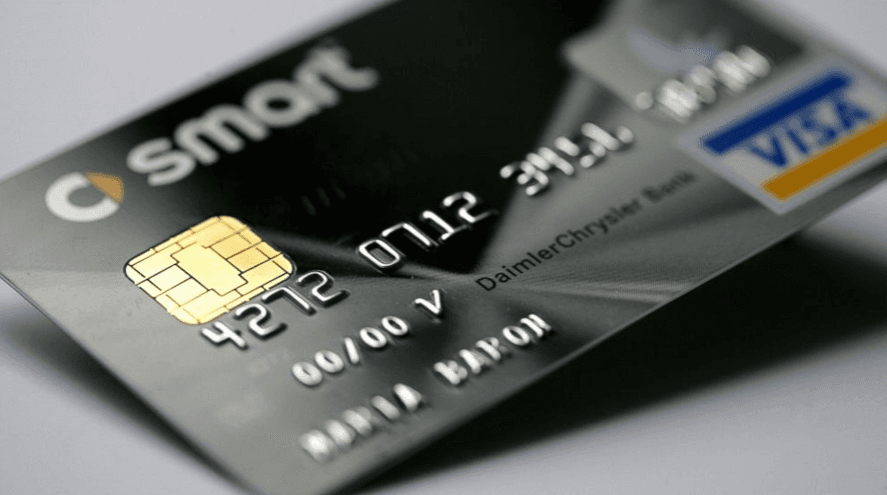
Almost all of us carry at least one credit card. Imagine losing your wallet with all your cards inside, and someone with bad intentions finding it and using the cards without a PIN. Who bears the responsibility?
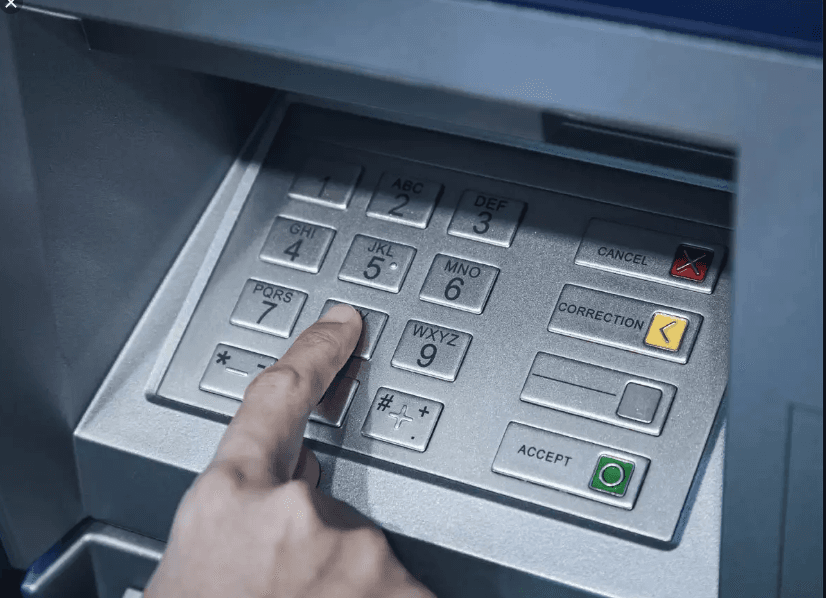
Diagram of an Onus installment transaction flow between POS and HOST

Payment Systems

What are the key points in an Onus Installment project?

Before describing the Onus Installment process, it is better to first answer: what is an Onus transaction? An Onus transaction is when the acquirer and issuer are the same institution, so the transaction is processed through that institution.

Illustration representing MCC codes used to classify merchants by category

Merchant & POS

What Is an MCC Code Used For?

Since the MCC code is a merchant's category code, it's critical for the checks performed during merchant onboarding and authorization, including campaigns and restrictions.

Illustration of the compliance process between merchant bank and issuer in card payments

Chargeback

What Is Compliance (Regulatory Compliance)?

Compliance means adherence to card scheme rules. Outside chargebacks, it is how a bank that loses money because card payment organization rules were broken recovers that amount from the party that caused the loss.

Diagram showing the structure of the ISO 8583 F54 Additional Amounts field

ISO 8583

ISO 8583 Field Descriptions (F54)

F54 - ADDITIONAL AMOUNTS is the additional amount field used in transactions. It can take different values depending on the transaction, such as carrying account balance information for balance inquiries.

ISO 8583 field 64 message authentication code

ISO 8583

ISO 8583 Field Descriptions (F64)

F64 — Message Authentication Code (MAC): verifies the origin and text of the message between the sender and the receiver.

Screenshot of a POS parameter loading screen

Merchant & POS

How is parameter loading done onto a POS?

Loading parameters onto a POS transfers changes made in the POS Management system (authorization, limits, card BIN list, etc.) onto the POS. There are 3 ways to do it.

ISO 8583 field 52 PIN data encrypted PIN block

ISO 8583

ISO 8583 Field Descriptions (F52)

DE 52 — Personal Identification Number (PIN) Data: the field that holds the PIN data. PIN verification is carried out based on this field.

Diagram illustrating how parameters such as BIN lists and keys are loaded onto a POS terminal

Merchant & POS

What Does Loading Parameters onto a POS Mean?

Loading parameters onto a POS transfers BIN lists, key data, and refund/cancellation authorizations from the management system onto the terminal. Learn how and when it happens.