Skip to content

Search

"terminal action code"

13 articles found

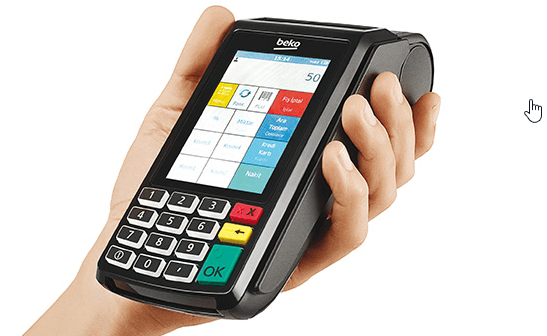
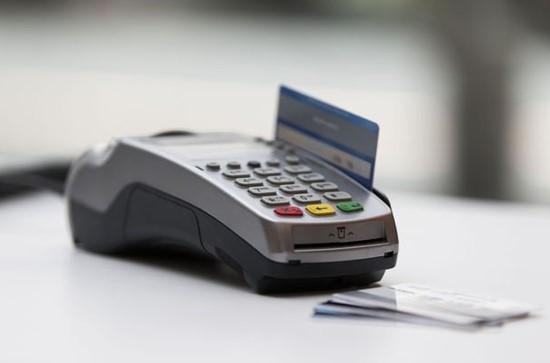
Photo of a POS terminal related to Terminal Action Code settings

Merchant & POS

Terminal Action Code (TAC)

These are codes placed into the terminal software by the acquirer that govern the rules for whether transactions go online or are declined, covering offline approval, offline decline, and online submission due to issuer risk...

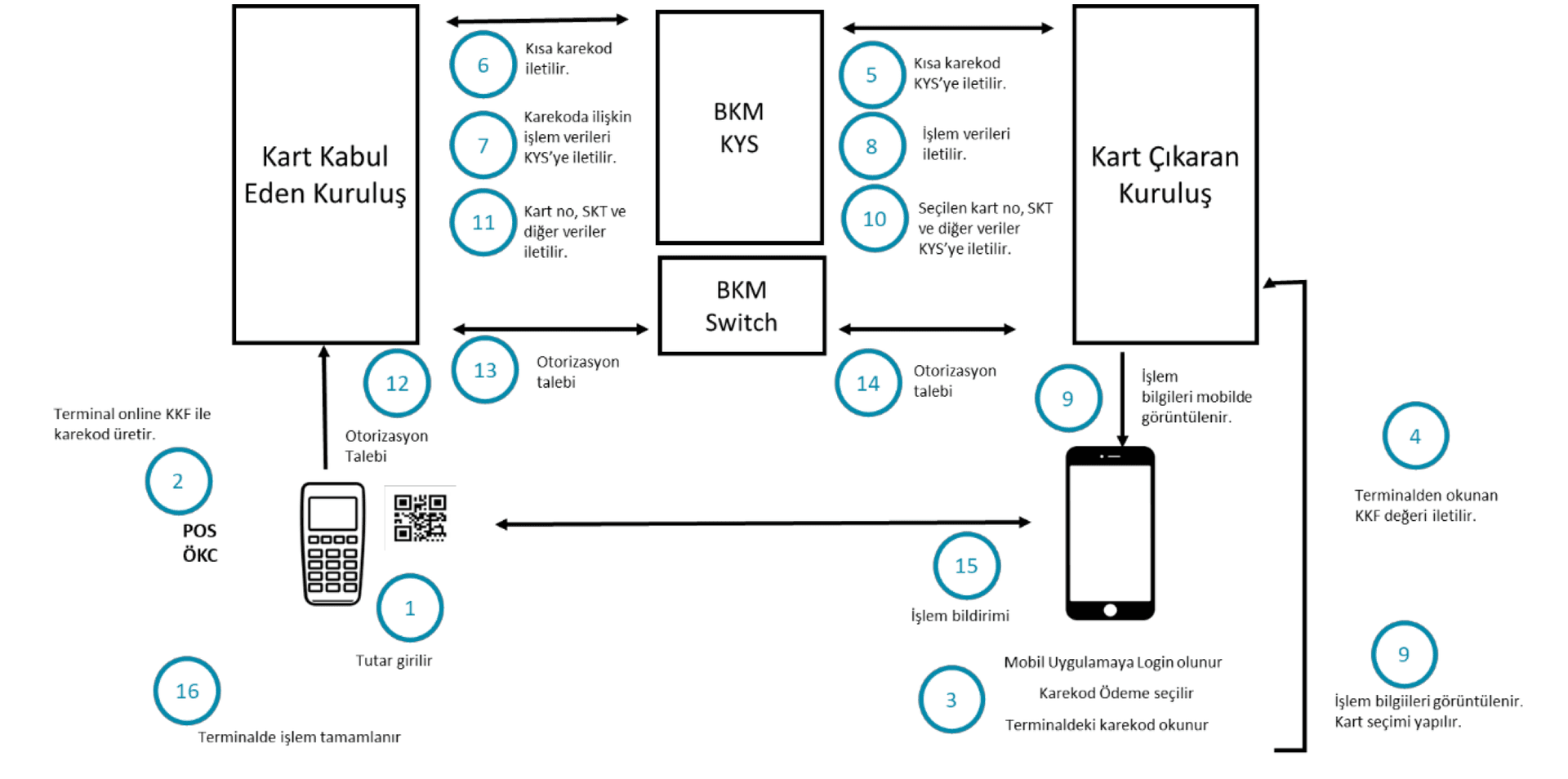
Photo of a POS terminal related to EMV Issuer Action Code settings

Online & Authorization

Issuer Action Code (IAC)

These are codes that communicate the issuer's conditions for approving a transaction online (IAC-Online), for declining it (IAC-Denial), or for declining it when the terminal cannot go online (IAC-Default).

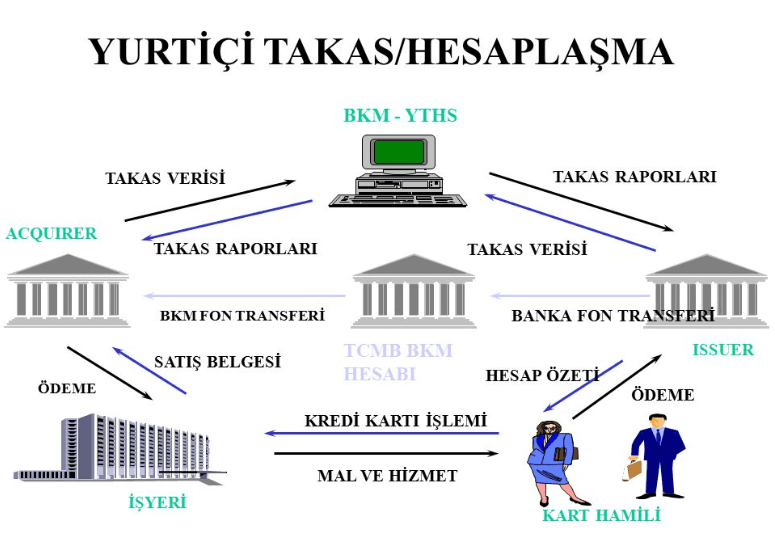
Diagram of the TR QR Code payment flow between cardholder, issuer, BKM and acquirer

Payment Systems

Why Am I Getting an Error When I Try to Pay with a TR QR Code?

In payment or cash withdrawal transactions, the TR QR Code is generated by the POS or ATM. The card issuing bank must build its systems to read and act on this code. Errors usually stem from mishandling the long and short QR code flows, which are explained here.

Diagram illustrating the EMV Tag-Length-Value (TLV) data structure used in card transactions

Online & Authorization

What are EMV Tags?

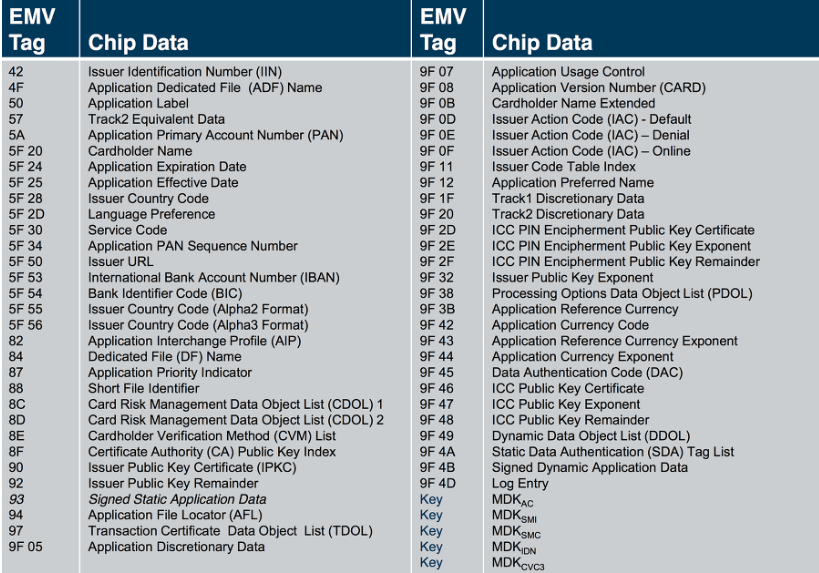
In EMV, data is stored in Tag-Length-Value (TLV) format, and it is carried between the card, the POS terminal, and the authorization system in this same format. This post lists every EMV Tag, its type, and its description.

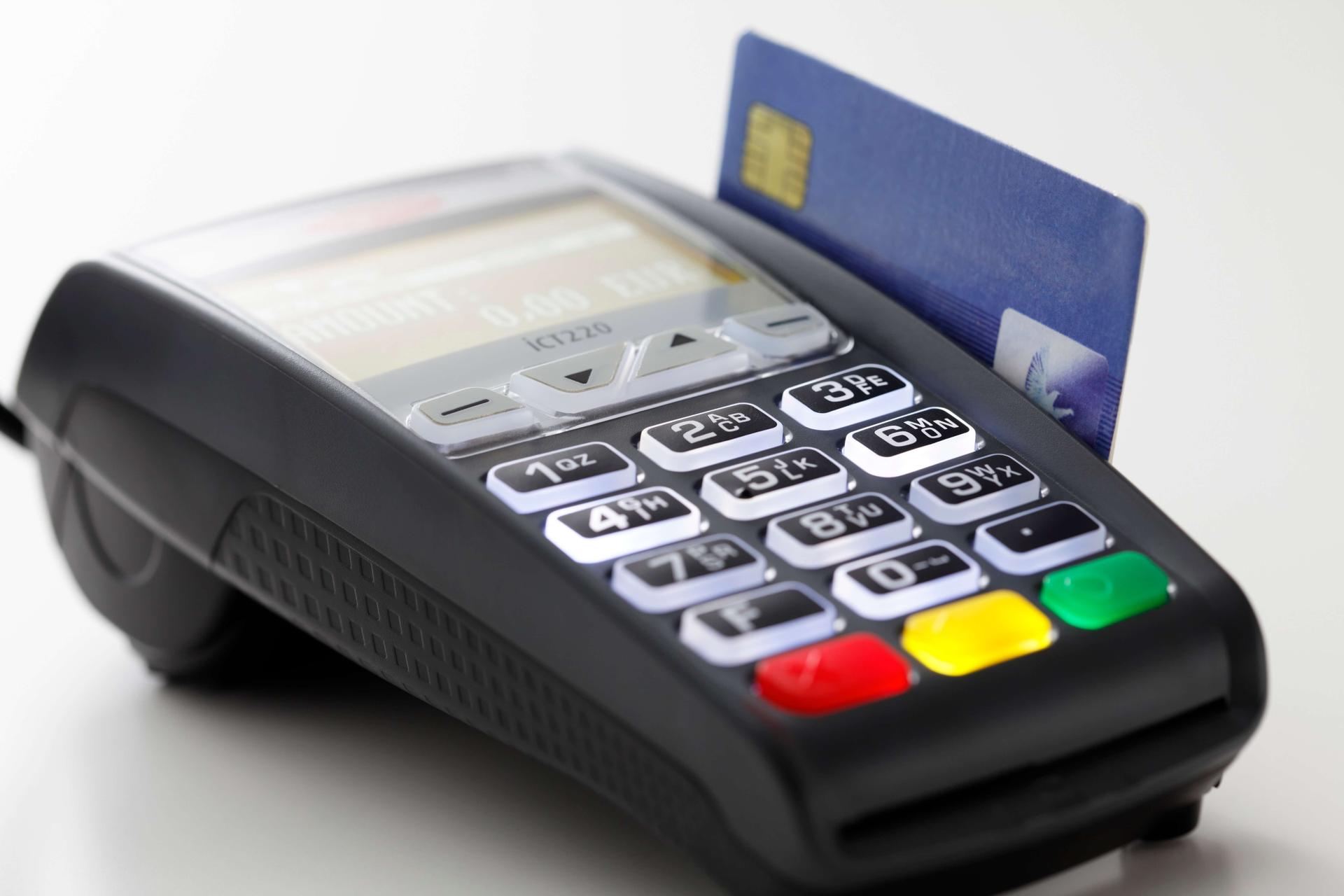
POS terminal used for EMV card payment processing

Merchant & POS

TVR (Terminal Verification Results)

Terminal Verification Results (TVR): a sequence of bits produced when a terminal reads an EMV card, based on logical checks such as an expired card. This data object is used to decide whether a payment transaction should be accepted online, declined, or allowed to proceed.

Diagram illustrating how a POS terminal's floor limit determines offline transaction approval

Merchant & POS

What Is a Floor Limit?

The floor limit is the value held on the POS that determines the maximum amount for which an offline transaction can be approved. It is managed per terminal and can be updated at any time through the POS parameter management system.

POS terminal device used to process chip card payments

Merchant & POS

What is Application Usage Control (AUC)?

AUC (Application Usage Control) specifies restrictions that limit an application by geography or by specific transaction types. It is a 2-byte data element in Tag 9F07. If present, the terminal performs checks such as whether the transaction is at an ATM.

EMV Application Version Number on card and terminal

Online & Authorization

Application Version Number

The Application Version Number is the version number of the application on the card. For example, the Visa VSDC application version number is 131, and the Mastercard M/Chip Lite version number is 2.

Diagram illustrating TCR (Transaction Record Component) packets used in payment clearing and settlement files

Payment Systems

What Is TCR (Transaction Record Component)?

TCR stands for Transaction Record Component, the packets that carry transaction information in a clearing system. Transaction types in a clearing file are distinguished by transaction code and usage code values, and this data is sent inside TCR packets.

EMV Lower Consecutive Offline Limit 9F14 illustration

EMV

What Is the Lower Consecutive Offline Limit?

The Lower Consecutive Offline Limit is the maximum number of consecutive offline transactions allowed by the ICC application, as set by the issuer, on a terminal capable of going online. It is sent in tag 9F14.

Diagram showing the structure of an ISO 8583 message

ISO 8583

What Fields Make Up ISO 8583?

We covered the ISO 8583 basics in an earlier article. This post explains the ISO 8583 message structure in detail: every ISO 8583 message consists of three main parts - the MTI (Message Type Indicator), the Bitmap, and the Data Elements.

Diagram illustrating the structure of the AFL (Application File Locator) field on an EMV card

Merchant & POS

What is AFL (Application File Locator)?

AFL (Application File Locator) is the field that shows where on the card the data needed for the authorization transaction is located. AFL is a list of the application data records on the card, and the terminal uses it to read the application data.