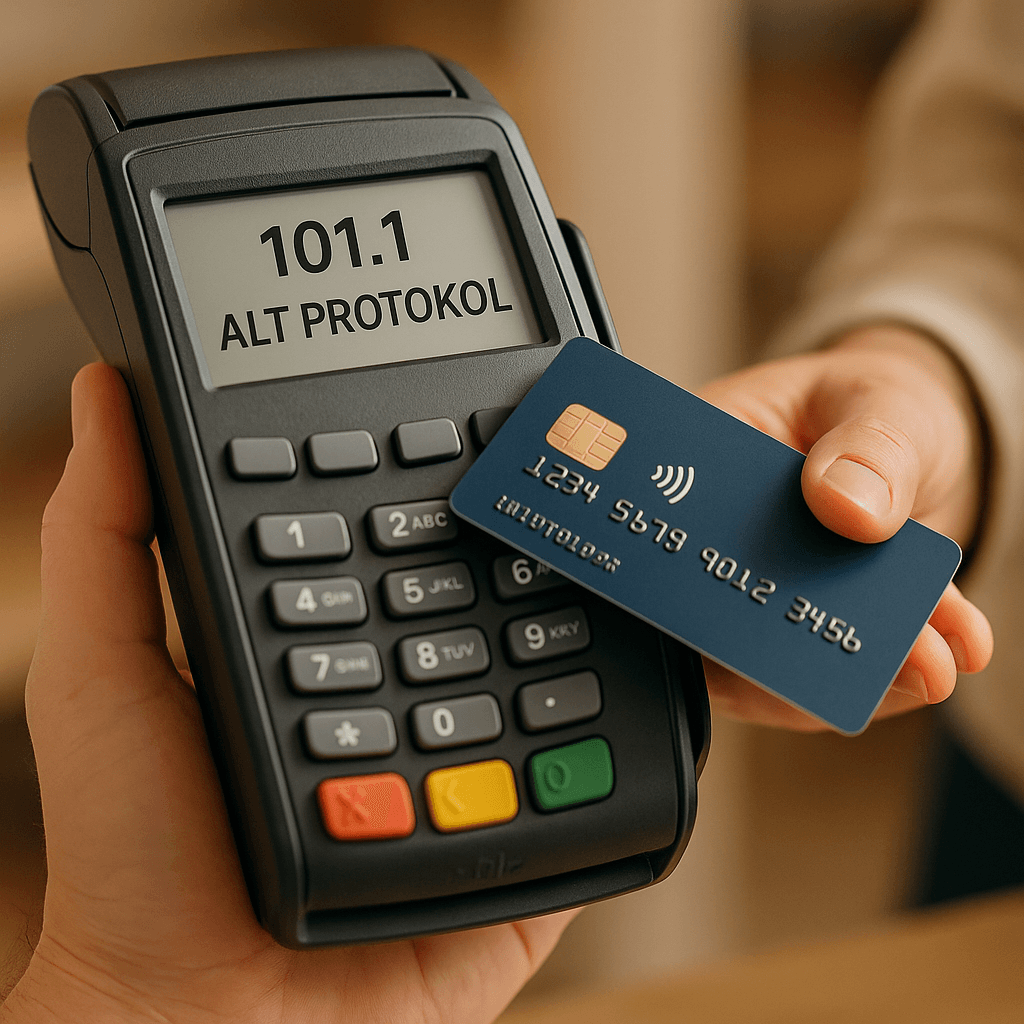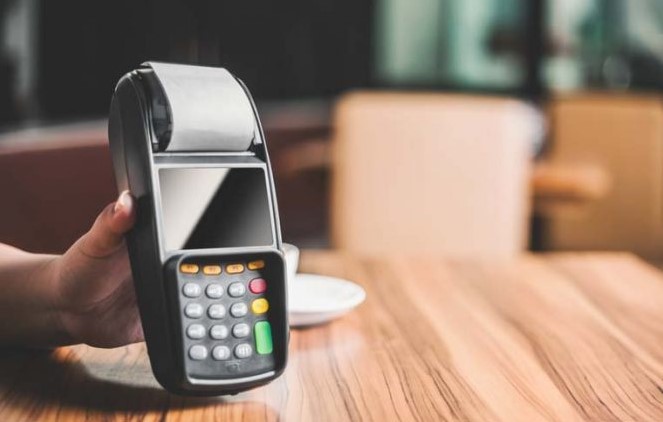
Transactions made via POS are kept under a number called the batch number. This number increases automatically and arithmetically. After each end-of-day (batch close) process carried out via the POS or automatically by the bank, this number increases automatically.
It is recommended that merchants perform a manual batch close via the POS after completing their end-of-day reconciliation. Alternatively, it is recommended that they request the bank to set up an automatic batch close. (Some banks set an automatic batch close time for all merchants to whom they connect a POS, regardless of the customer's request.)
Because virtual POS systems do not have a menu for performing a batch close, or because the panel used for virtual POS transactions is often not used frequently, the batch close process for virtual POS is performed automatically by the bank.
So how are these transactions transferred to the merchant account in cases where the merchant's connection is lost, the POS device malfunctions, or the merchant fails to perform the batch close?
For these situations, banks generally wait for a certain period (usually 3 days); if the POS batch close still has not been performed by the end of that waiting period, the relevant batch number is closed from the bank's system so that the transactions can be transferred to the merchant.
In order for transactions to be transferred to the merchant account, the batch to which those transactions belong must be closed. After the relevant batches are closed, the transactions are transferred to merchant accounts through the bank's daily general end-of-day operation.