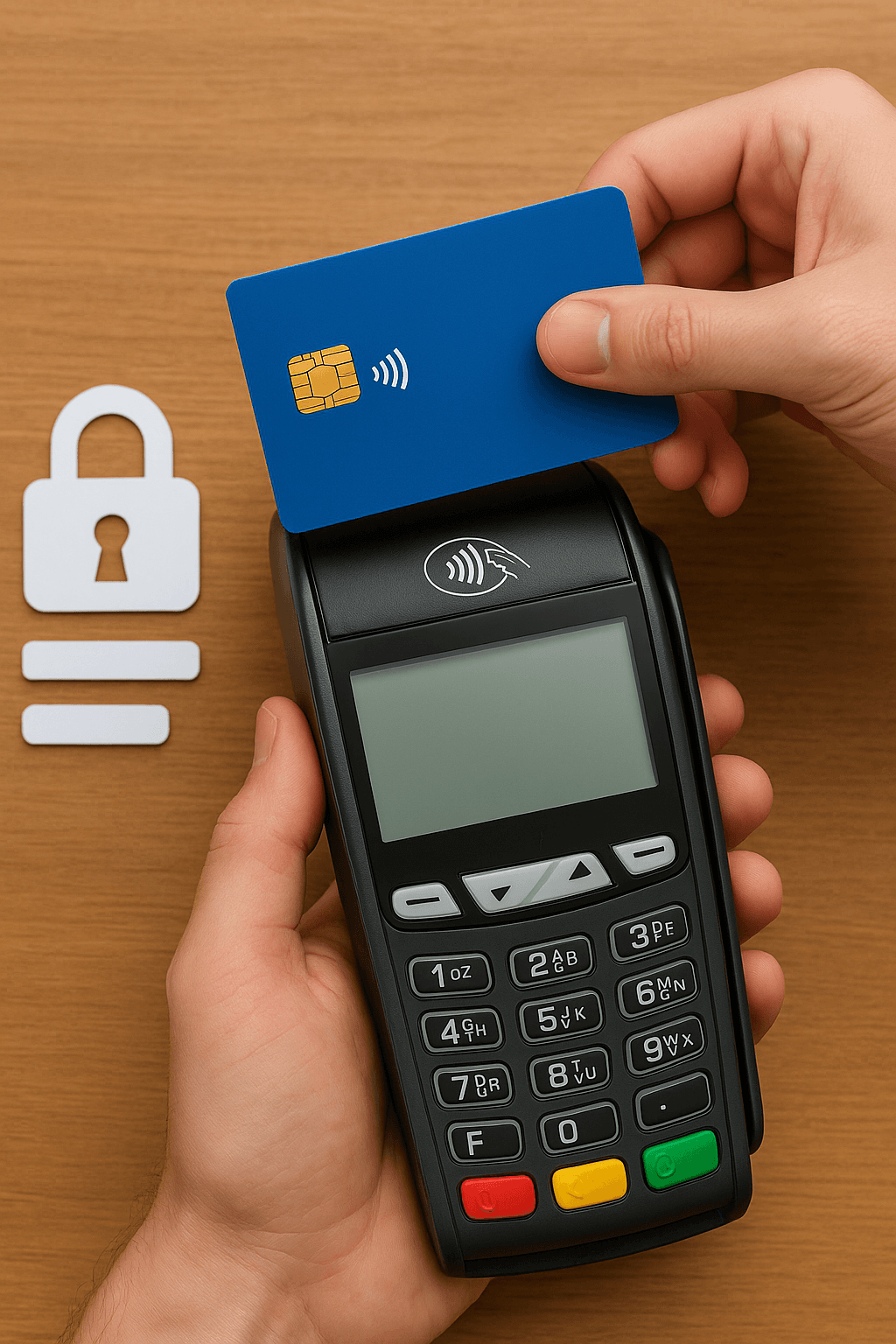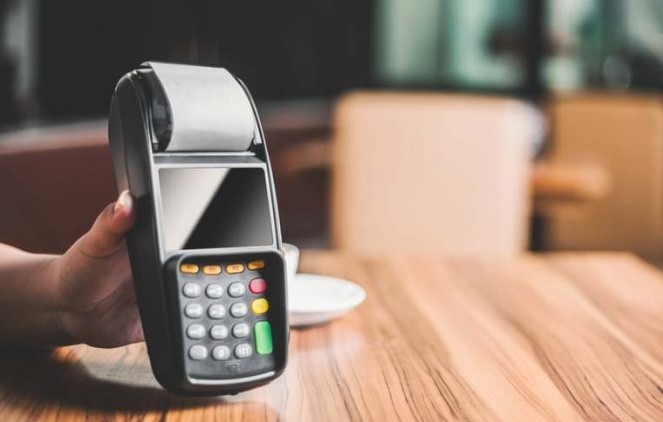
The configuration area is located in the system menu section of POS applications. This area contains information such as the terminal number and merchant number, as well as IP, port, APN, and phone number information.
As can be understood from the information mentioned above, this area holds the information needed to carry out POS installations.
In some applications, manual intervention can be made in this area, while in others manual intervention is not possible because it is managed centrally.
If we need to talk about 3 different parts regarding the configuration area;
- Parts where information can be entered manually into the configuration area,
- Parts where IP and port information is kept on the Acquirer Data and this information is downloaded to the device through parameter loading,
- Parts that do not allow the user to intervene manually, and where information such as terminal number, merchant number, IP, and port is therefore managed centrally.
These areas can be operated differently depending on the development.
It should also be noted that, when needed, IP and port information for authorization, parameter loading, and remote loading can be run over different IPs and ports.
Putting a control in place to prevent a single terminal number from being installed on more than one device at the same time will prevent errors that would otherwise occur later.