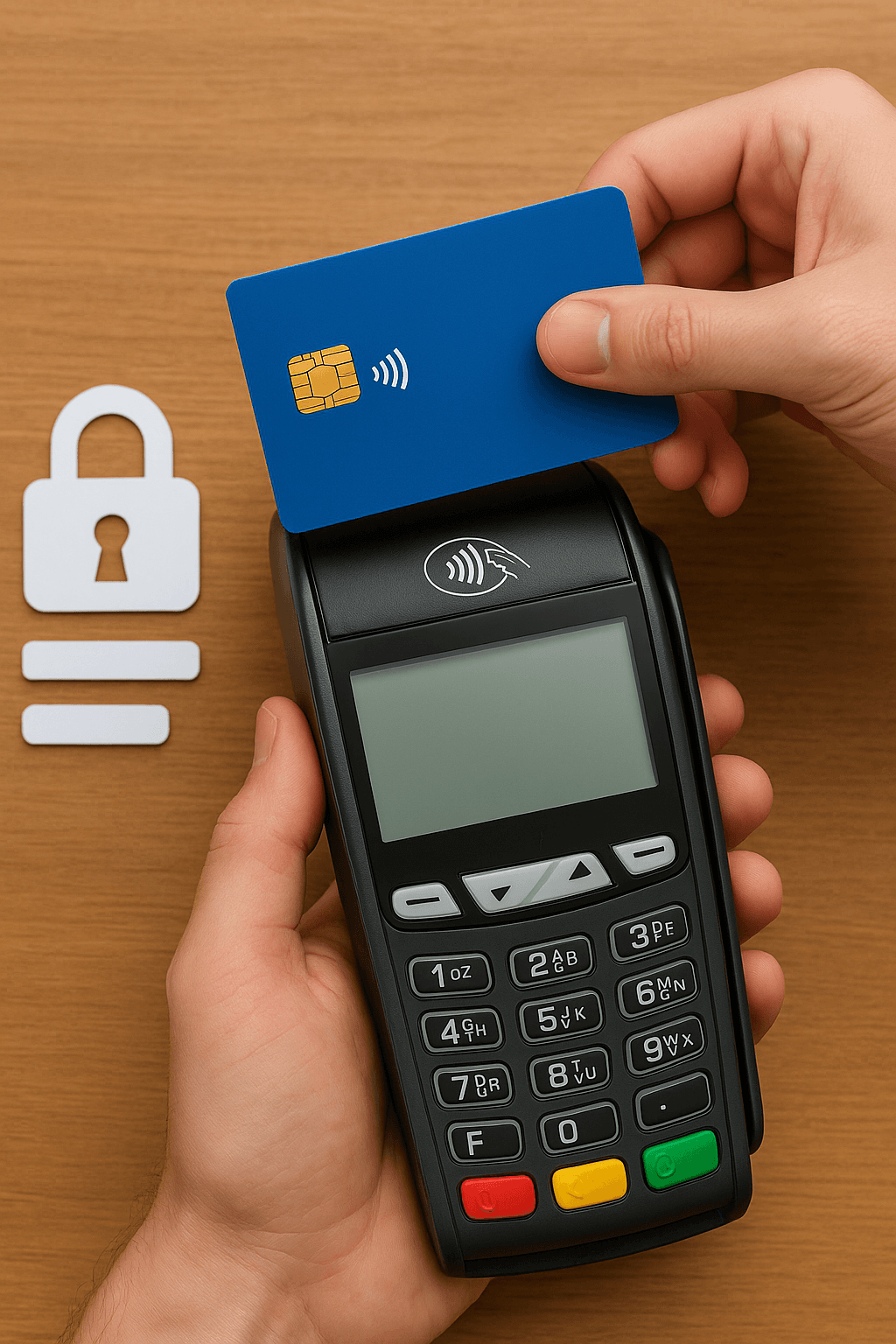
Message 200 is the message type created for transactions initiated from POS applications.
So, with which message type does the acquiring bank’s software respond to a transaction initiated from a POS application?
Of course, it responds with message 210.
The acquiring bank’s software can directly reject the transaction, based on the authorizations defined on the merchant, without asking the issuing bank.
We can describe this situation as the acquiring bank not authorizing the transaction. If a transaction is initiated with message 200, and a rejection occurs after the acquiring bank sends the transaction information to the issuing bank, we can describe this situation as the card not being authorized for the transaction.
The transactions that receive an error have been discussed above. If, in the process, both the acquiring bank and the issuing bank approve the transaction, then the transaction has already resulted in success.
In other words, the transaction initiated with message 200 is transmitted to the issuing bank via message 100 through BKM as an intermediary, and the issuing bank responds to this transaction with message 110. Using the information it receives from the issuing bank (the response is provided via message 210), the acquiring bank will return the response to the POS application and complete the process.
If we need to give examples of transactions rejected via message 210 (without a message 100 being generated): exceeding the turnover limit set on the merchant, attempting a mail order transaction even though mail order authorization has not been granted to the merchant, attempting a foreign transaction even though the merchant has no authorization for transactions abroad — many examples like these can be given.
If we need to give examples of cases where the issuing bank rejects the transaction: the card’s limit being insufficient, the card having no mail order authorization or limit, the PIN being entered incorrectly in online PIN cases — many examples like these can be given.