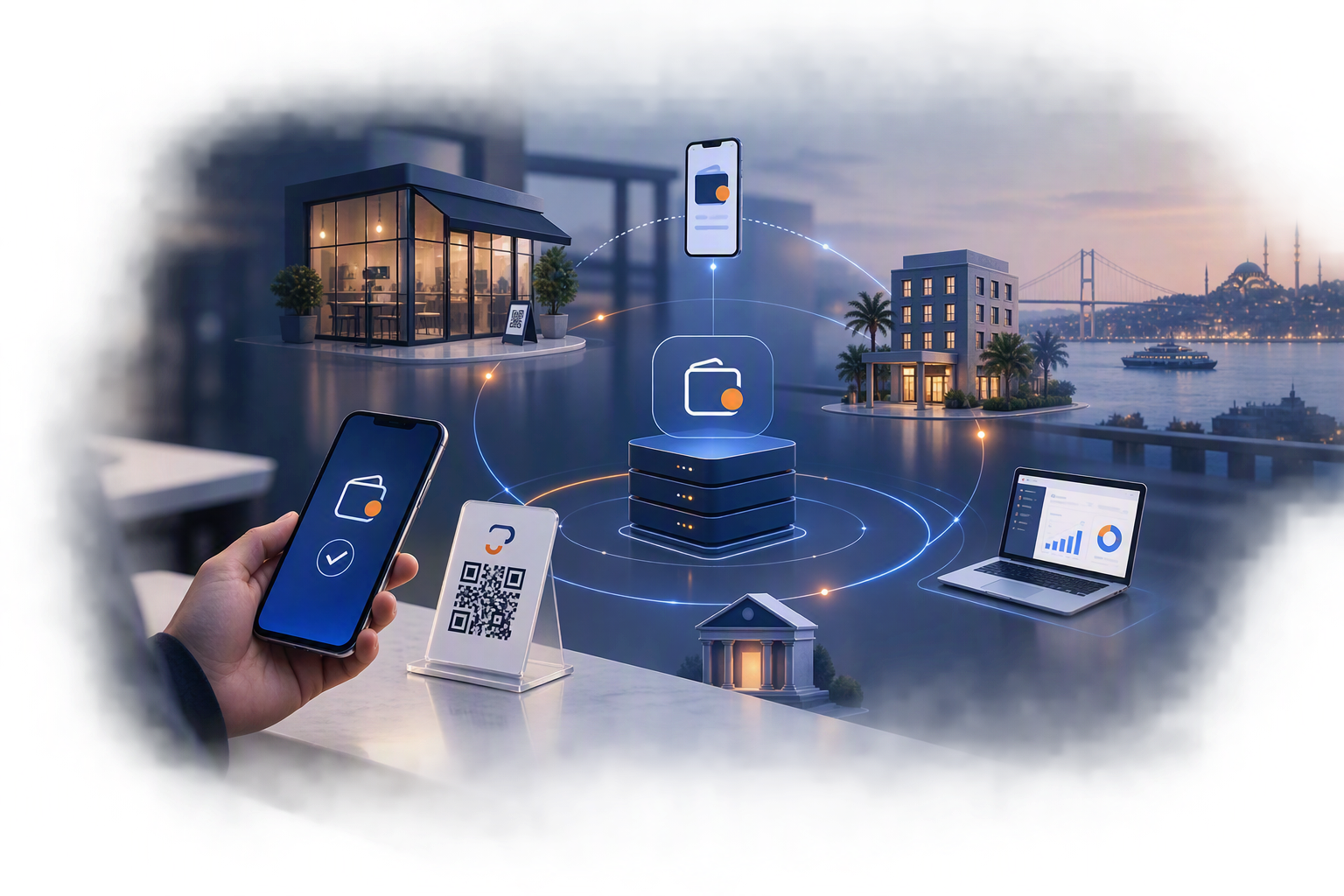
The virtual POS merchant panel is a panel where merchants can manage many parameters of their virtual POS, such as documents, reports, notifications, transaction tracking, end-of-day, transactions and user permissions.
So how can our merchants access this panel? After evaluating the virtual POS applications they receive from merchants, if institutions do not encounter any problems, they set up the virtual POS and send merchants an information email containing details such as the username, password, customer number and link. This email explains how merchants can log in to the panel and also includes the ways they can get in touch if a problem occurs.
Operations that can be carried out through the merchant panel:
- Accessing integration documents,
- Cancellation,
- Refund,
- Closing pre-authorizations,
- Cancelling pre-authorizations,
- End-of-day closing,
- Generating and viewing reports,
- User permissions and updates,
- Sending transactions,
- Viewing important alerts, and many other operations.
Some merchants use the panel frequently, while others may use it less. The reason is that processes such as cancellations, refunds, transactions and reports are managed through web services. To access user permissions, updates and documents, which are not managed through web services, merchants must log in to the merchant panel.