Skip to content

Search

"version management"

19 articles found

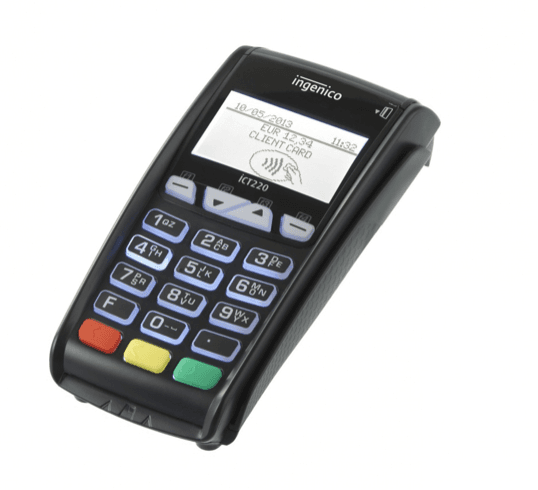
POS terminal software version update process diagram

Merchant & POS

How is a software version uploaded to a POS terminal?

To upload a version to a POS, the software on the POS and the authorization system on the bank side must support it. Version upload to a POS can be done manually on the device itself, or via a remote upload request.
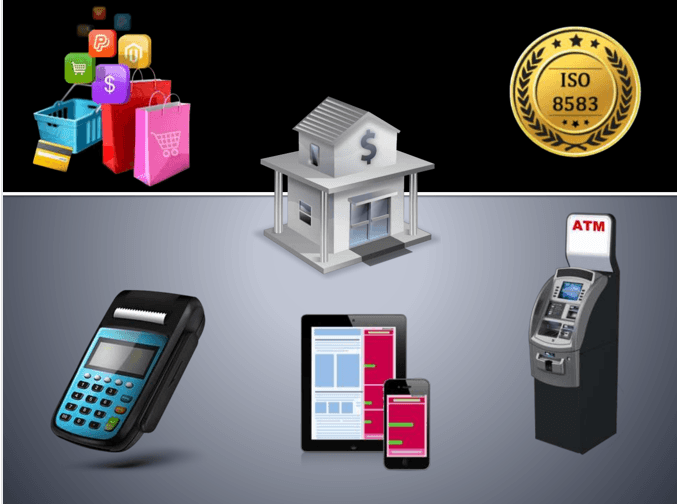

Diagram showing the structure of an ISO 8583 message

ISO 8583

What Fields Make Up ISO 8583?

We covered the ISO 8583 basics in an earlier article. This post explains the ISO 8583 message structure in detail: every ISO 8583 message consists of three main parts - the MTI (Message Type Indicator), the Bitmap, and the Data Elements.

Timeline of EMV version history

EMV

What are the EMV Versions?

The history of EMV versions is given below: EMV was standardized in 1995. EMV 3.0, released in 1996, was the first widely used version, commonly known as EMV '96. In 1998, additions were made to EMV 3.0.

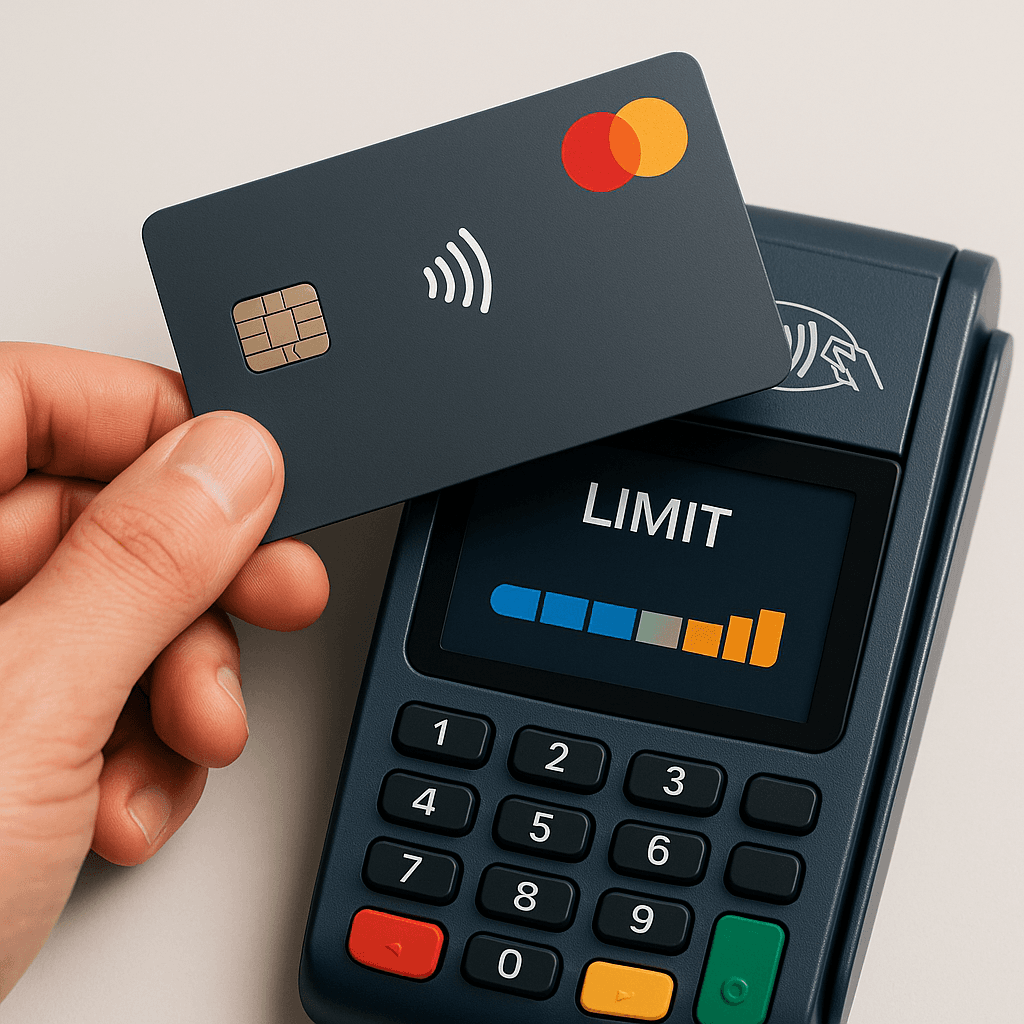
Illustration of dynamic CVM limit management for contactless card payments

Payment Systems

Dynamic CVM Limit Management Approach: A New Era in Card Security

One of the most notable recent developments in card payments is that contactless limits are no longer fixed and can be managed dynamically per customer. Mastercard and Visa are taking different but complementary approaches, and ISO 8583 may need to evolve with them.

HCE terminology and architecture diagram

HCE

Terms Used in HCE Terminology

When we talk about HCE methodology, many interacting architectural components come to mind. The core terms describing this architecture are listed below, starting with GCM/FCM (Google/Firebase Cloud Messaging), a service for sending push notifications.

Screenshot of a POS parameter loading screen

Merchant & POS

How is parameter loading done onto a POS?

Loading parameters onto a POS transfers changes made in the POS Management system (authorization, limits, card BIN list, etc.) onto the POS. There are 3 ways to do it.

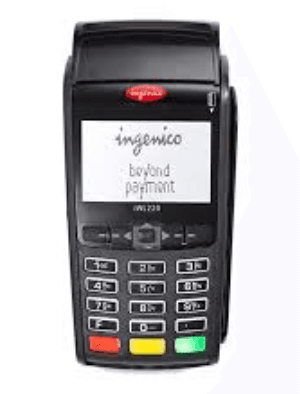
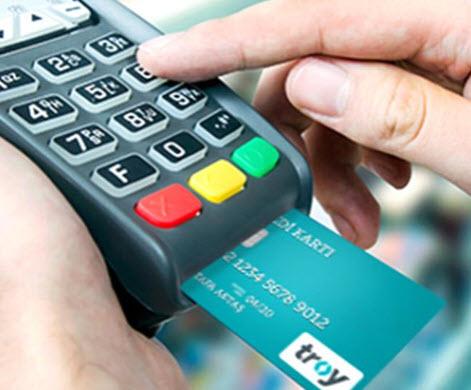
POS terminal used for EMV card payment processing

Merchant & POS

TVR (Terminal Verification Results)

Terminal Verification Results (TVR): a sequence of bits produced when a terminal reads an EMV card, based on logical checks such as an expired card. This data object is used to decide whether a payment transaction should be accepted online, declined, or allowed to proceed.

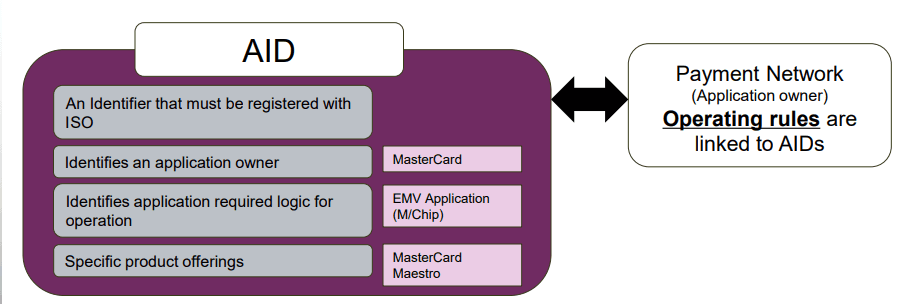
Illustration showing how an Application Identifier (AID) is used in a chip card transaction

EMV

What is an Application Identifier (AID)?

The AID tells the terminal which applications are present on a chip during a POS or ATM transaction. What does the AID do? It lets the terminal determine whether it supports an application on the chip. In Tag 9F06, it is 5-16 digits long.