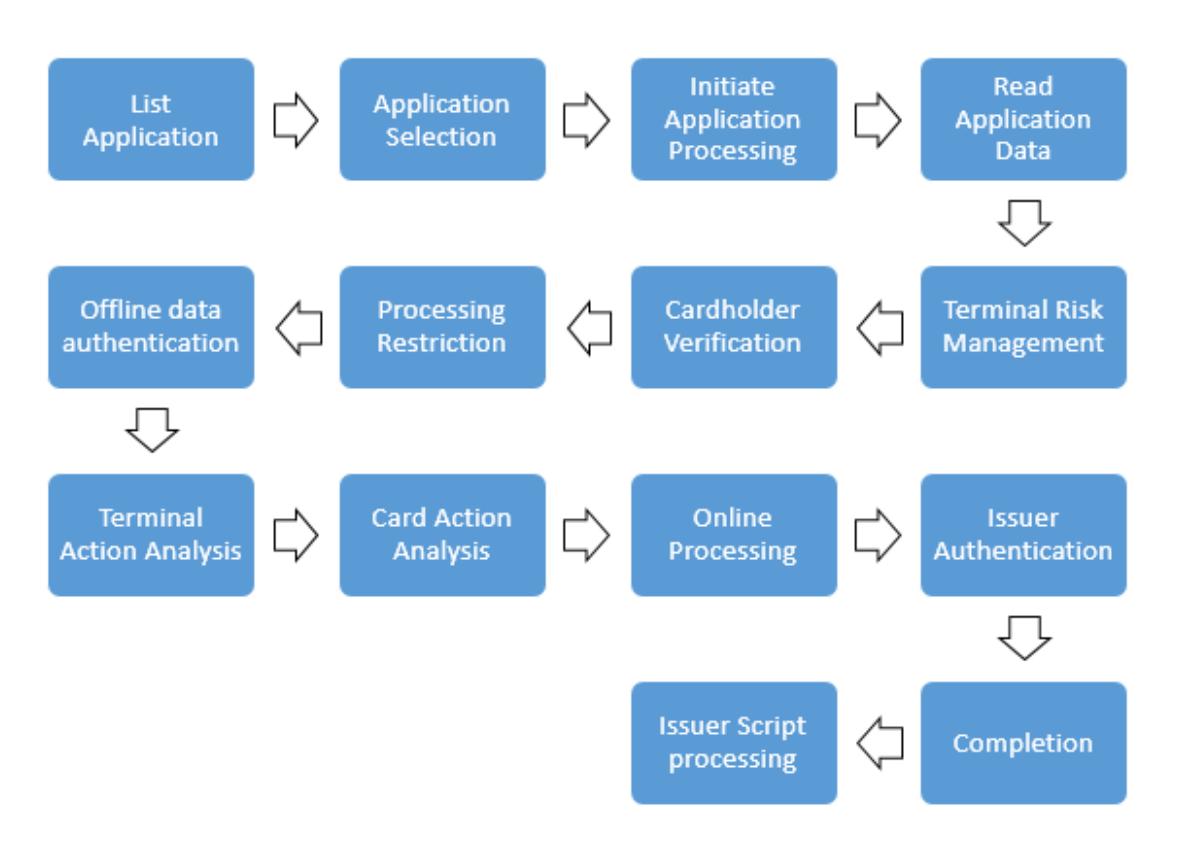
The Application Block command is the command sent to invalidate the selected application after the card has been issued.
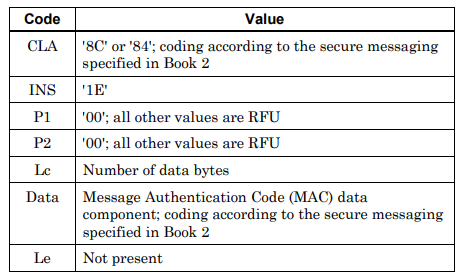
The components of the Application Block command are shown below:
When is it used?
The Application Block command is used when the issuing bank wants to temporarily disable the card. For example:
- When there is suspicion of fraud related to the card
- When the card's use is suspended because the cardholder has not paid their debt
- When only one of the applications on the card needs to be disabled
How does a blocked application behave?
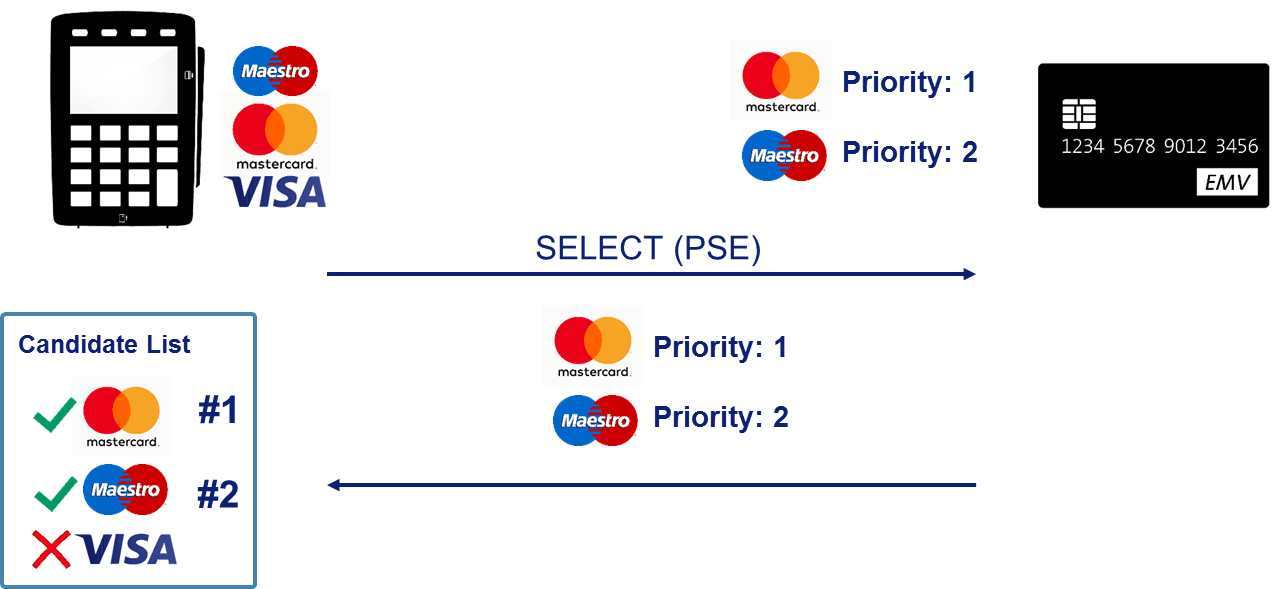
A blocked application does not allow transactions when it is selected by the terminal. The card tells the terminal that the application is blocked, and the transaction is declined. However, the application's data remains on the card.
Can it be reversed?
Unlike Card Block, Application Block is a reversible operation. The issuing bank can remove the block by sending the Application Unblock command to the card. For this reason, Application Block is preferred for temporary situations and Card Block for permanent ones.
Sending the command
The command is sent as an issuer script together with the bank's authorization response. The terminal forwards the command to the card and reports the result to the bank in the Issuer Script Results field. This way, the bank can track whether the block was applied successfully.