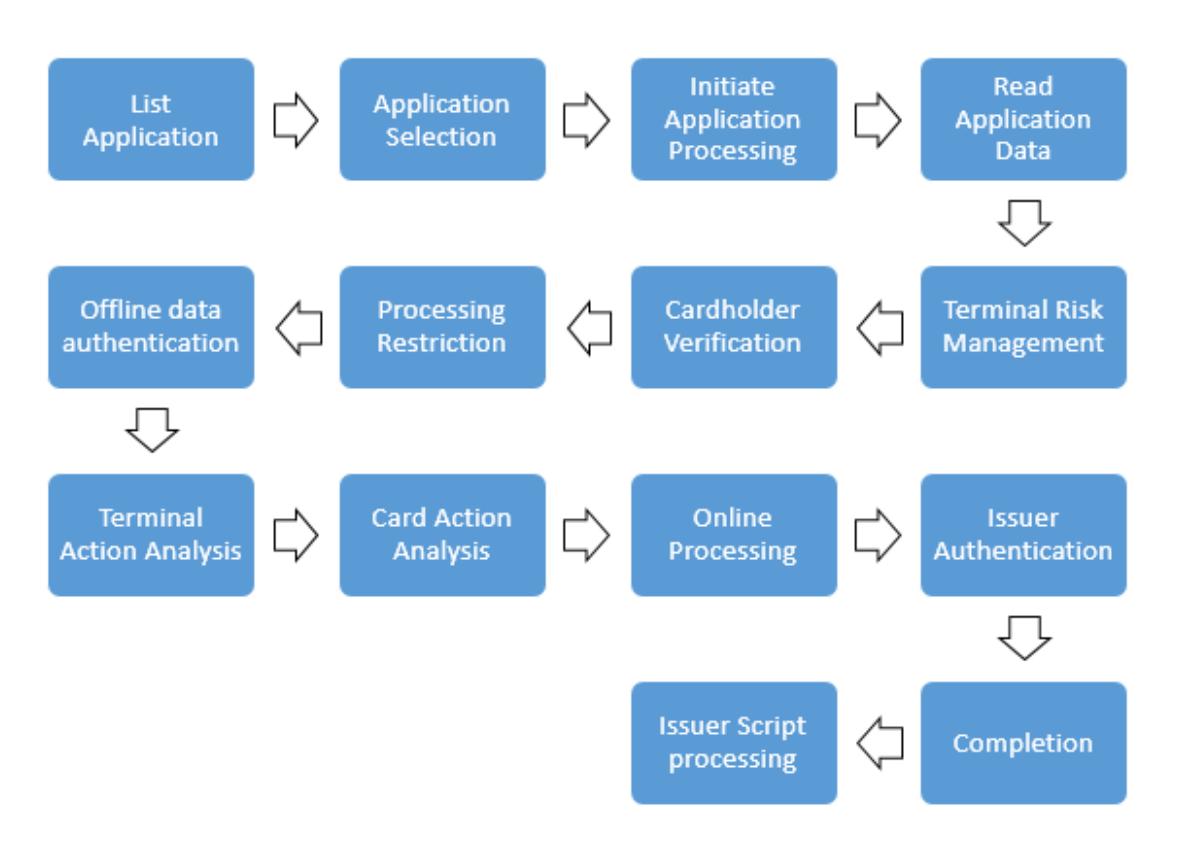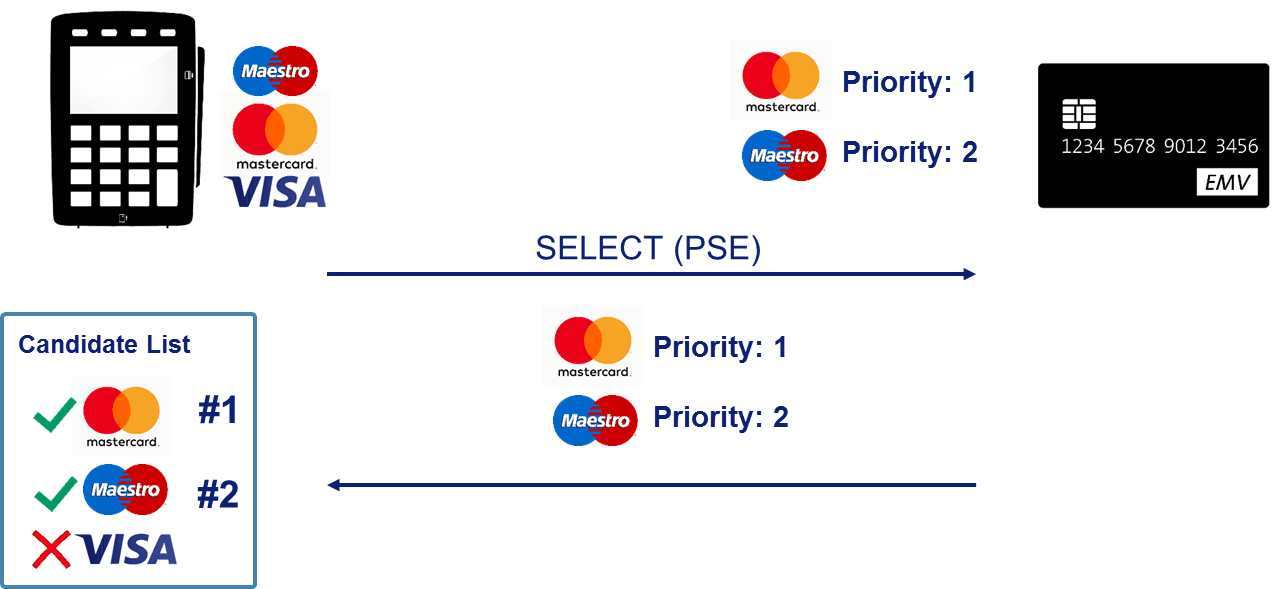
The GET DATA command is used to retrieve a primitive data object that is not encapsulated in a record within the current application.
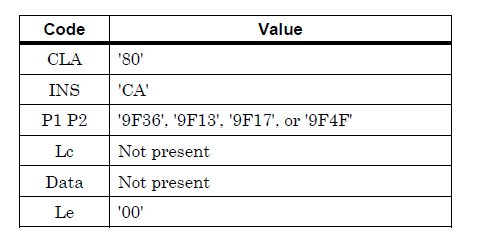
In this specification, the use of the GET DATA command broadly relates to retrieving the following primitive data objects, interpreted by the application on the ICC.
- ATC (tag '9F36')
- Last Online ATC Register (tag '9F13')
- PIN Try Counter (tag '9F17')
- Log Format (tag '9F4F')
Why is a separate command needed?
The terminal reads most of the data on the card as records using the READ RECORD command. However, some data, such as the ATC or the PIN try counter, constantly changes during the transaction and is not kept in fixed records. The GET DATA command is used to retrieve this type of data directly from the card.
How does the terminal use this data?
- ATC and last online ATC: The terminal calculates how many consecutive offline transactions the card has performed by looking at the difference between these two values. This information is used to check the consecutive offline transaction limits.
- PIN try counter: The terminal checks the remaining number of tries before requesting an offline PIN. If no tries remain, an offline PIN is not requested.
- Log format: Indicates the format of the transaction records kept on the card. Some terminals can use this information to read the card's most recent transactions.
If the command fails
If the card does not support the requested data, an error response is returned for the command. In this case, the terminal cannot perform the relevant check and marks the situation using the corresponding bits in the TVR. For example, if the ATC cannot be read, it is assumed that the consecutive offline limit check could not be performed.