Before explaining the change in the domestic flow for online transactions, it is worth first explaining the CVM concept.
One of the data elements read from the card to prove the cardholder's identity is the Cardholder Verification Method (CVM) list. This ordered list contains one or more methods for verifying the cardholder.
In a card transaction performed as EMV, the verification of the cardholder by the terminal is called Cardholder Verification. The method used to verify the cardholder is called the Cardholder Verification Method (CVM). During the EMV read phase of the transaction, the terminal verifies the customer with a suitable method (PIN, request signature, etc.) based on the CVM list retrieved from Tag 8E and on the CVM limit.
Cardholder Verification Method (CVM) List
The CVM list is returned by the card in tag 0x8E in the response to the Read Data request:
| Field name | Field description | Field length | Type |
| X | Amount, in the application currency, used in the cardholder verification rules | 4 bytes | Binary |
| Y | Amount, in the application currency, used in the cardholder verification rules | 4 bytes | Binary |
| CVRule1..CVRuleZ | Variable cardholder verification rules, each 2 bytes long. | 2 * Z bytes | Binary |
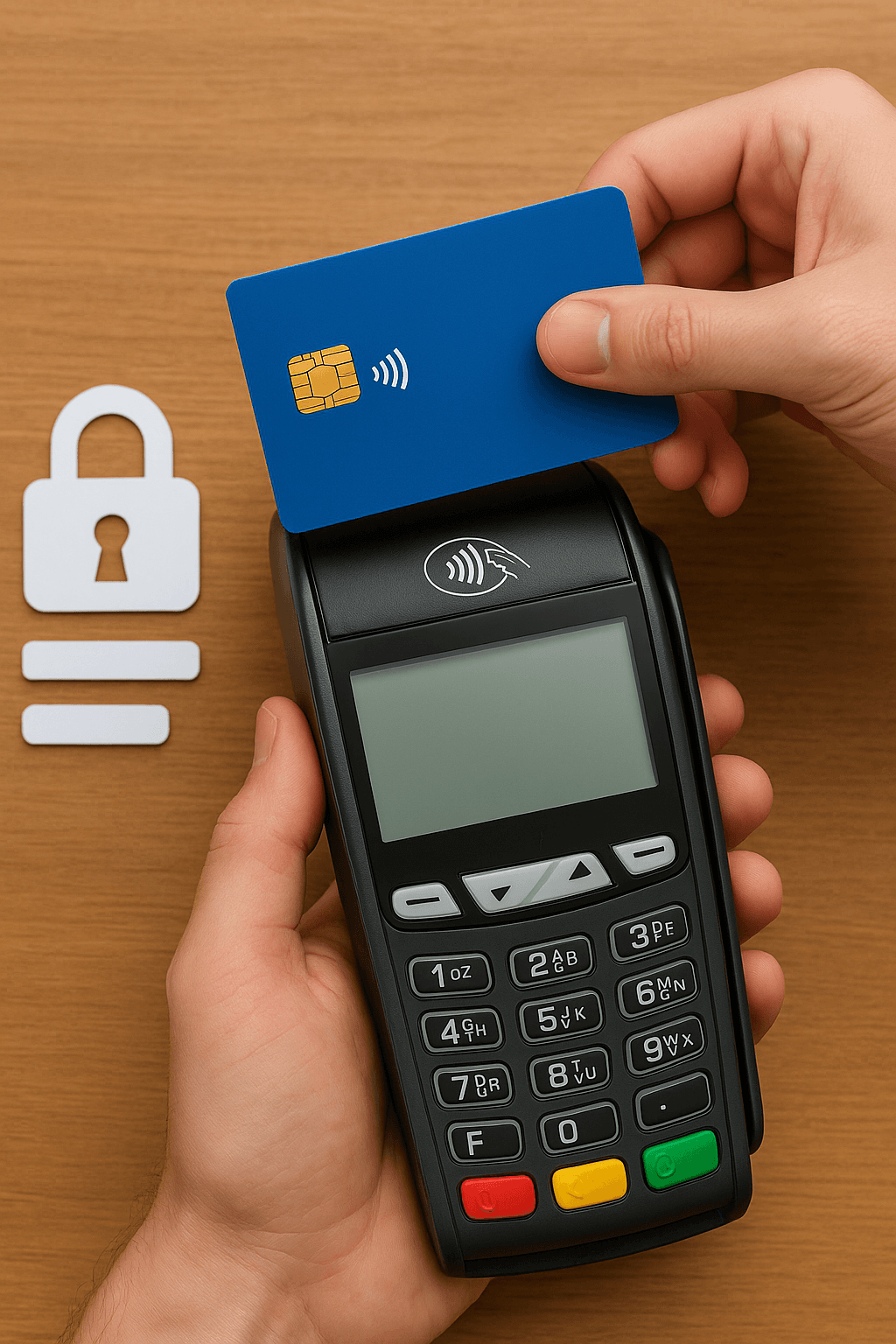
Offline below-CVM-limit contactless transactions are sent directly to authorization without requiring any cardholder verification. The issuer bank (the bank that issued the card) either approves or declines the transactions sent to it, based on its own risk and authorization checks.
In the current system, a significant share of the transactions declined because the cardholder could not be verified could in fact be approved if the necessary additional steps were applied. To prevent this, the transaction flow for online contactless transactions has been updated.
Whereas issuer banks previously had only two options, the new flow raises this number to four:
- Approve (Existing)
- Decline (Existing)
- Ask the cardholder to enter a PIN (New)
- Ask for the card to be inserted into the POS device (New)
For specific system checks such as lost/stolen cards, the outcome of the transaction will generally not change even though the number of options has increased. In other cases, however, the new structure adds flexibility to the transaction flow and will lead to different outcomes.
For example, a below-CVM-limit contactless transaction made with a card that has performed many consecutive PIN-free contactless transactions was automatically declined in the previous system; under the new structure, instead of declining the transaction, the issuer bank can request a PIN from the cardholder and continue the approval process.
Requesting a PIN from the Cardholder
When sending the authorization message, the acquirer bank sets the field DE48 PDS22 SE2 = 1 to tell the issuer bank "In line with the new flow, I allow PIN verification to be requested from the cardholder."
After receiving the transaction, the issuer bank performs the necessary checks. If it can make a clear decision, it either approves or declines the transaction. However, if it needs an additional layer of security, it requests that the cardholder enter a PIN instead of declining the transaction outright. In this case, the issuer bank sends the acquirer a response containing DE48 PDS22 SE4 = 1 and DE39 = 65.
Upon receiving this response, the acquirer bank asks the cardholder to enter a PIN through the terminal. The authorization message is sent to the issuer bank again, with the PIN data obtained and the field DE48 PDS22 SE3 = 1 added.
In this second stage, after completing the checks, including PIN verification, the issuer bank finally approves or declines the transaction and sends the result to the acquirer bank.
Requesting That the Card Be Inserted into the POS Device
In this scenario too, if the acquirer bank supports asking for a PIN at the issuer's request for below-CVM-limit transactions, it sends DE48 PDS22 SE2 = 1 in the authorization message.
If the issuer bank wants the transaction to continue as a contact transaction (that is, with the card inserted into the POS device), it sends the acquirer the response DE39 = 65. In this case, unlike the previous scenario, the DE48 PDS22 SE4 field is not sent.
Based on the response it receives, the acquirer bank ends the transaction by displaying the message "Insert card" to the cardholder on the POS device. When the cardholder inserts the card correctly, the transaction is restarted. This time the authorization message includes the fields DE48 PDS22 SE3 = 1 and DE22 = 05X.
At this stage, after performing all the necessary checks, the issuer bank finally approves or declines the transaction.